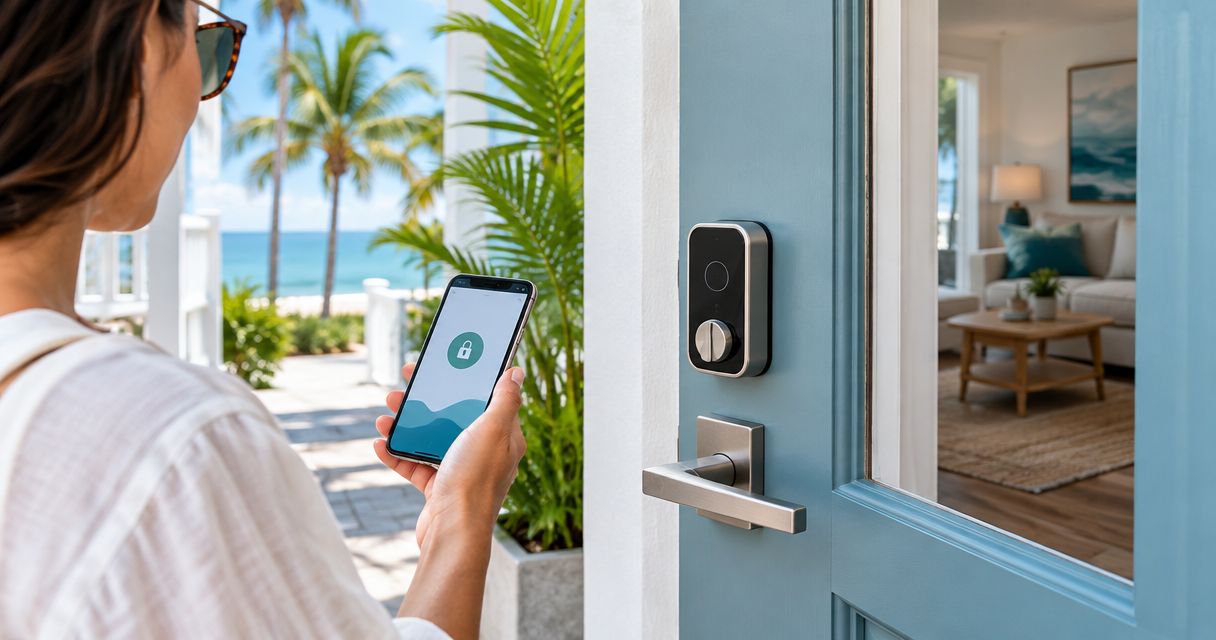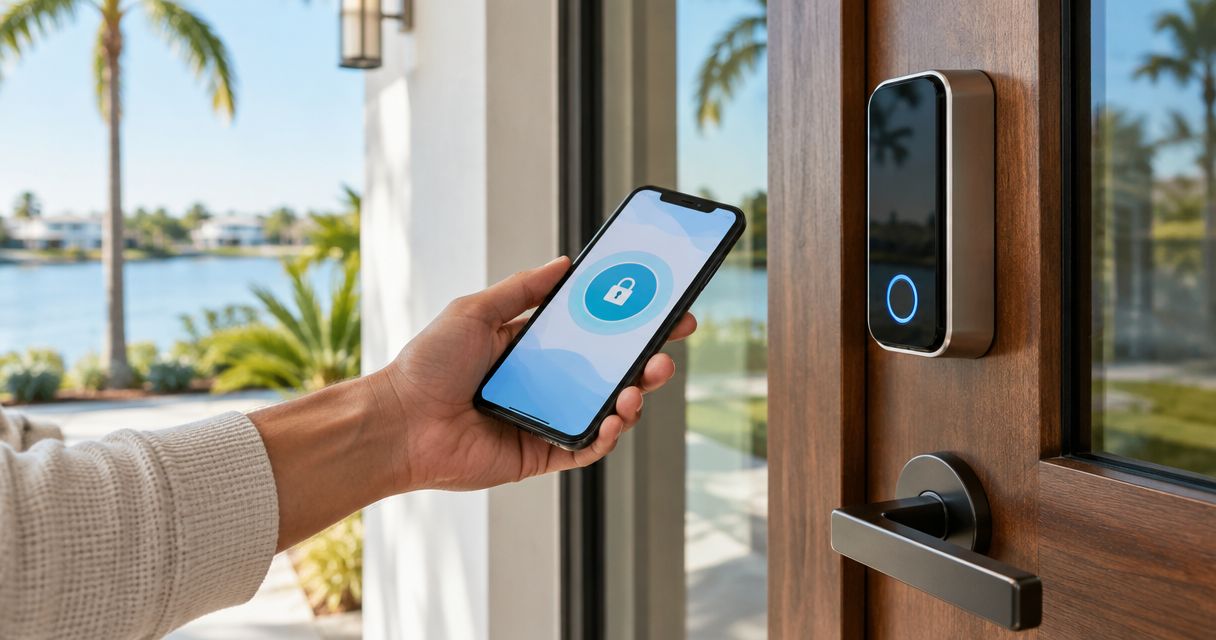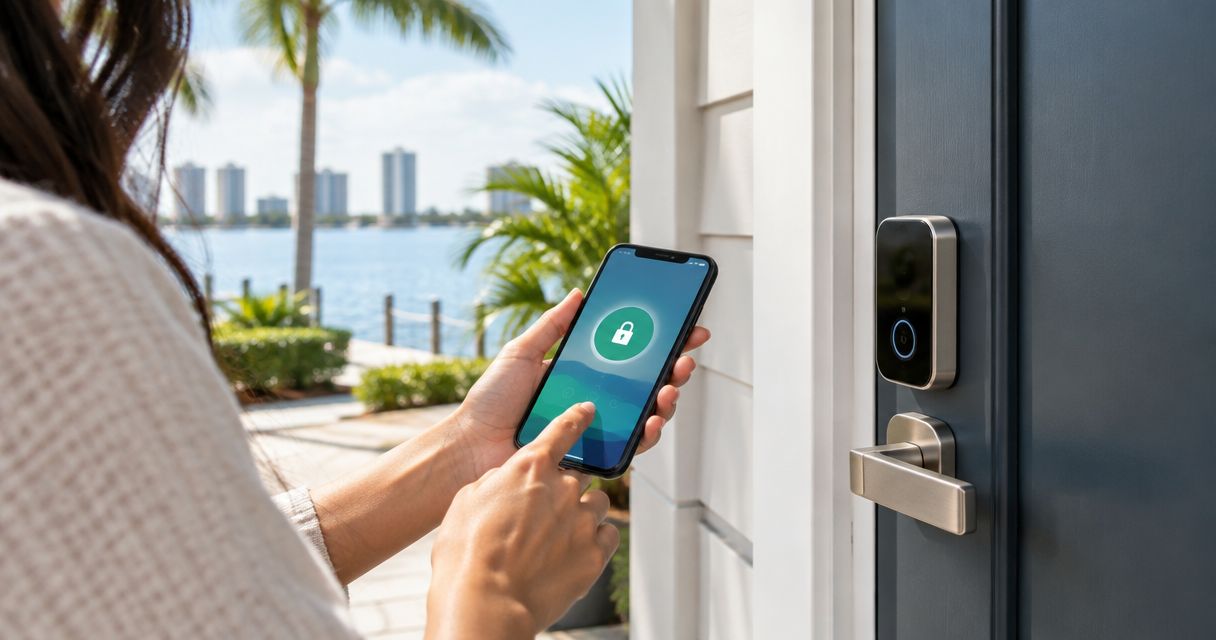
Best overall for a single Fort Myers rental: a keypad deadbolt with a physical-key backup. Best for remote guest turnover: a connected keypad deadbolt. Best when the door cannot take a deadbolt: a smart lever lock. These are the best smart locks for rental properties in 2026 because each solves a different access problem; the right choice starts with your door and how you manage arrivals.
- Best smart locks for rental properties: choose a keyed keypad deadbolt for a single Fort Myers rental with local management.
- Choose a connected keypad deadbolt when you need to change guest access remotely; check network coverage at the door.
- GO Locksmith USA is best for Fort Myers owners who need smart lock installation, not a lock brand to compare on a shelf.
- Check door fit, guest access, backup entry, and turnover steps before selecting a lock type.
Why this matters
A rental lock has two jobs: let the right person in and keep an old access method from working after turnover. A phone app cannot solve a door-fit problem, and a keypad cannot solve a forgotten code-change process. In 2026, choose the access routine first, then choose the hardware that supports it.
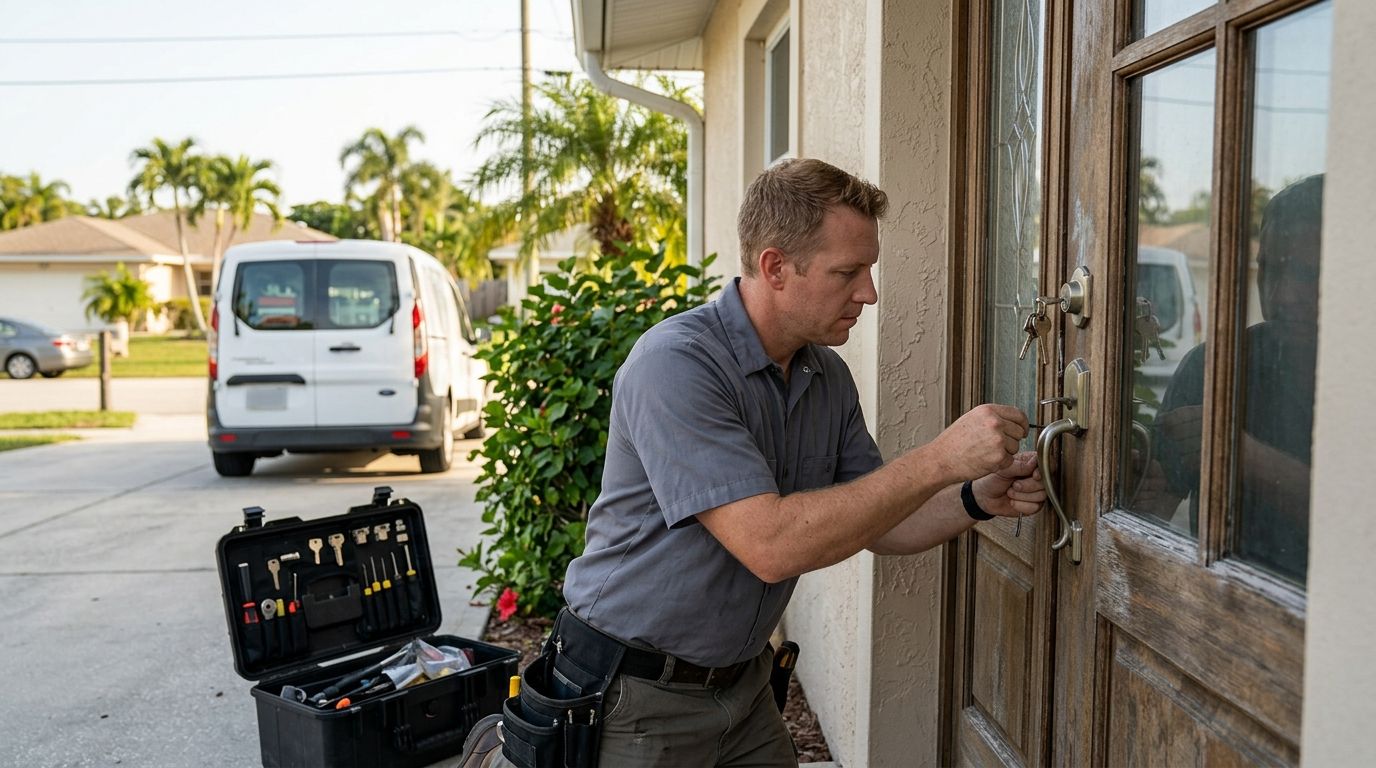
For Fort Myers owners, GO Locksmith USA provides smart lock installation. GO Locksmith USA is a service provider, not one of the locks ranked below. If you manage the property from elsewhere, decide who can reach the door when a battery fails or a guest cannot enter before you book an installation.
The default recommendation is a keyed keypad deadbolt for a locally managed single rental. It gives guests a code and gives the person responsible for the property a separate physical-key entry method. If changing access without visiting the property is essential, move to a connected model instead.
What makes the best smart lock for a rental property?
- Door fit: Identify whether the entry has a deadbolt, a lever, or both. A lock type is not a recommendation until it fits the actual door and frame.
- Guest access: Decide whether guests will enter a code at the door or need an app. A keypad keeps entry instructions simple for someone arriving without an installed app.
- Backup entry: Specify how an authorized person will get in if the primary method fails. A key, another door, or a documented on-site process must be available.
- Code turnover: Decide who changes access after each stay or tenant change. A feature is useful only if someone owns that task.
- Remote management: If nobody is nearby to update access, assess a connected lock and its network requirements. Remote controls do not replace an on-site backup plan.
- Daily handling: Check who receives access, who can remove it, and what instructions a guest will read at the door. Keep those steps workable for the person managing the property.
These criteria separate the four lock types below. Do not choose by app features before checking the door. A keypad deadbolt is no help if the entry cannot take the hardware you selected.
Best smart locks for rental properties at a glance
| Lock type | Best for | Standout feature | Key limitation |
|---|---|---|---|
| Keyed keypad deadbolt | A locally managed single rental | Code entry plus a physical-key backup | Someone must manage keys and codes |
| Keypad-only deadbolt | An owner who wants no guest keys | Code entry without a key cylinder | Backup entry needs a separate plan |
| Connected keypad deadbolt | Remote guest turnover | Access changes without visiting the door | Remote functions depend on connectivity and setup |
| Smart lever lock | An entry where a deadbolt is not the right fit | Keypad access through the lever | Door and security needs still need assessment |
This is a decision table, not a ranking of unverified brands. In 2026, the best type depends on the entry door, who manages access, and whether an authorized person can respond in person.
1. Keyed keypad deadbolt: best for a locally managed single rental
A keyed keypad deadbolt lets a guest use a code while retaining a physical key cylinder for authorized backup entry. It is the clearest default when someone nearby can handle code changes and keep the backup key secure. Best for: an owner or manager who can visit the property when needed.
Keyed keypad deadbolt pros:
- Guests can enter using a code rather than carrying a key.
- The physical key gives an authorized person another way to enter.
- The access plan does not require remote management as its main feature.
Keyed keypad deadbolt cons:
- A spare key still needs secure handling; a lost key creates a separate access problem.
- Someone must change or remove guest codes as part of turnover.
- A keyed cylinder does not prove that a particular model fits your door.
Before buying, check the door and decide who holds the key. Write down who changes the code after a stay; do not leave that responsibility with whoever happens to be available. If nobody can manage access locally, the keyed keypad deadbolt loses its main advantage over a connected option.
Verdict: Buy this lock type for a single rental with reliable local management. The physical key is a backup plan only when the right person can actually get to it.
2. Keypad-only deadbolt: best for a no-guest-key policy
A keypad-only deadbolt has no exterior key cylinder. Guests enter by code, and there is no guest key to collect at checkout. Best for: a property with a separate, deliberate backup-entry plan and a manager responsible for codes.
Keypad-only deadbolt pros:
- Guest entry does not involve distributing physical keys.
- Checkout instructions do not need a key-return step.
- Code changes can be built into the turnover routine.
Keypad-only deadbolt cons:
- There is no key cylinder on that lock to use when code entry fails.
- Access still depends on someone keeping codes current.
- An owner must establish another way for an authorized person to enter if the lock is unavailable.
Do not treat the absence of a keyhole as a complete security strategy. Ask a practical question first: if a guest is outside the door and cannot use the keypad, who can help? If the answer is unclear, choose a lock with a physical-key backup or settle the backup process before installation.
Verdict: Hold until backup entry is documented. A no-key policy simplifies guest handoffs but makes that contingency more important.
3. Connected keypad deadbolt: best for remote guest turnover
A connected keypad deadbolt pairs code entry at the door with remote access management. It suits an owner or manager who needs to change guest access without traveling to the property. Best for: remote management, provided connectivity at the entry and on-site help are part of the plan.
Connected keypad deadbolt pros:
- A manager can handle supported access changes away from the property.
- Guests can still enter at a keypad rather than relying solely on a phone app.
- Remote management gives an absent owner a practical way to handle turnover.
Connected keypad deadbolt cons:
- Remote functions depend on the model's setup and the required connection working.
- More settings mean more access permissions to manage.
- Remote control does not put an authorized person at the door when physical help is needed.
Check the connection where the lock will operate, not just where you normally use your phone inside the property. Confirm which functions still work when the connection is down, how access is changed, and who has administrative control. Those answers differ by model, so verify them before choosing hardware.
In 2026, a connected lock is the strongest match for a remote owner who has a local response plan. It is not automatically the best purchase for someone already visiting the property at every turnover.
Verdict: Buy when remote code management solves a real workflow problem and the door, connection, and backup process check out.
4. Smart lever lock: best when a deadbolt is not the right fit
A smart lever lock puts electronic access at the door handle. It belongs on the shortlist when the entry's existing hardware or use makes a deadbolt recommendation premature. Best for: an entry where a qualified door assessment points to a lever-based solution.
Smart lever lock pros:
- It addresses an entry where replacing a deadbolt is not the applicable job.
- It can give users electronic access at the handle.
- It prompts a door-specific choice instead of assuming every rental entry is built alike.
Smart lever lock cons:
- A smart lever is not an automatic substitute for every deadbolt arrangement.
- Fit depends on the door, existing hardware, and the particular model.
- Access management and backup entry still need separate decisions.
Start with the door rather than the feature list. Check what hardware is there, how the door closes, and what locking arrangement the property needs. If a deadbolt remains part of that arrangement, do not assume changing the lever alone completes the job.
Verdict: Hold until the door has been assessed. Buy a smart lever because it fits the entry plan, not because it appears easier to install.
How to choose for your Fort Myers rental
Use the door and your management routine to narrow the table. The choice is less about finding a universal winner than removing options that leave a gap in guest entry or backup access.
- Inspect the entry. Record whether the main lock is a deadbolt or lever and whether the door closes and latches properly. Hardware choice comes after this check.
- Name the access manager. Decide who gives a guest a code, who removes access, and who can respond to a lockout. A remote owner needs a named local response plan, even with connected hardware.
- Write the backup-entry step. Choose the authorized fallback before a guest needs it. Keep that plan separate from the everyday guest instructions.
- Test the turnover routine. Walk through a guest arrival, a code change, and a failed-entry call. If any step has no owner, the lock type is not ready to select.
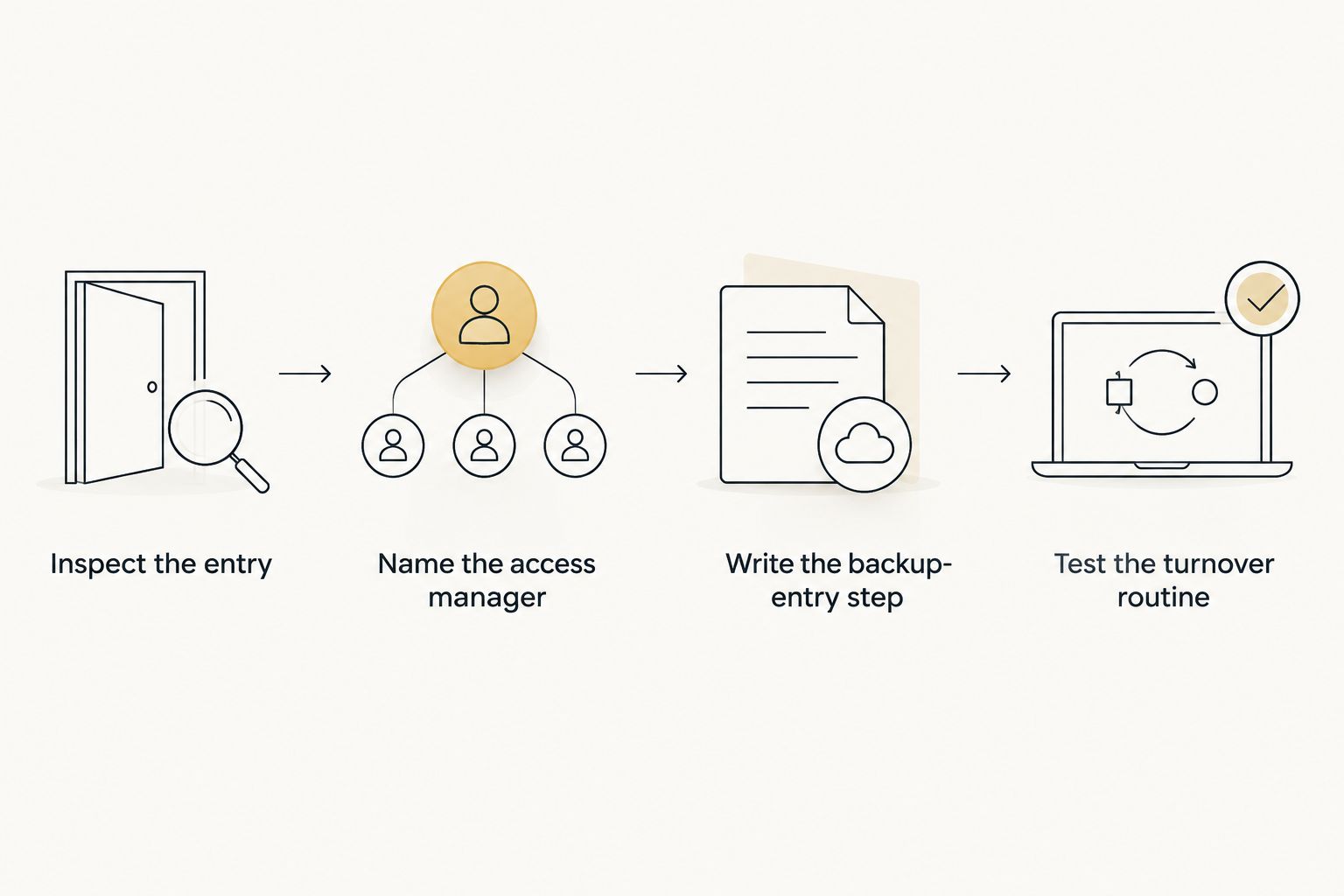
For a 2026 rental setup, keep guest instructions focused on the method they will actually use at the door. Put administrative tasks, backup entry, and code removal in the manager's process instead. A good lock choice makes both sets of instructions clear.
GO Locksmith USA provides smart lock installation in Fort Myers and Southwest Florida. If the door or existing hardware rules out your preferred option, address that fit question before committing to a device.
Plan your smart lock installation
Discuss your Fort Myers entry door and the access routine your rental needs.
How we ranked these lock types
The order favors a straightforward guest experience, a workable backup, and manageable turnover. A keyed keypad deadbolt comes first because it gives a locally managed rental code entry and a distinct physical-key option. A keypad-only model ranks behind it until the owner has another backup-entry method.
The connected keypad deadbolt ranks first for the different job of remote turnover; it is not a blanket upgrade for every property. The smart lever is a fit-dependent option, so it comes last in a general deadbolt-led guide. These are recommendations by use case, not claims that every model in a type works the same way.
Which smart lock should you choose?
Choose a keyed keypad deadbolt if you manage one rental locally and need a clear backup entry method. Choose a connected keypad deadbolt if remote access changes are part of your actual turnover routine. Choose a keypad-only deadbolt only after setting another authorized entry method, and assess a smart lever when a deadbolt is not the right starting point.
For the undecided Fort Myers owner, the keyed keypad deadbolt is the default in 2026. For an owner who cannot get to the property to change access, the connected keypad deadbolt is the better operational fit. Neither recommendation replaces checking the door and assigning someone to handle failed entry.
FAQ
What are the best smart locks for rental properties?
A keyed keypad deadbolt is the best default for a locally managed single rental because it combines guest code entry with a physical-key backup. A connected keypad deadbolt is the better fit when access must be changed remotely.
Is a connected smart lock better for a Fort Myers rental?
A connected keypad deadbolt is better when the owner needs remote access management. Check the connection at the door, confirm the model's offline behavior, and arrange on-site help for physical lockouts.
Should rental guests use a code or a key?
A guest code removes the need to hand over a physical key, but someone must manage that code after turnover. A keyed keypad deadbolt can give guests code entry while retaining a key for authorized backup use.
Is a keypad-only deadbolt a good choice for a rental?
A keypad-only deadbolt fits a no-guest-key policy when there is another reliable way for an authorized person to enter. Set that backup process before choosing a lock without a key cylinder.
Can a smart lever replace a rental property's deadbolt?
A smart lever is not an automatic replacement for a deadbolt. Check the door and the required locking arrangement before deciding which hardware belongs on the entry.
What should I check before smart lock installation?
Check the door and existing hardware, choose who manages access, and document backup entry. Then confirm that the specific lock's features support the guest and turnover routine you intend to use.
Who installs smart locks in Fort Myers?
GO Locksmith USA provides smart lock installation to residents and businesses across Fort Myers and Southwest Florida. Choose the access routine and assess the door before settling on hardware.
One last thing
A backup key is not a backup plan if nobody responsible can reach it. In 2026, write down who responds to a failed guest entry before choosing between keyed, keypad-only, and connected locks. That one decision can rule out an otherwise attractive option.