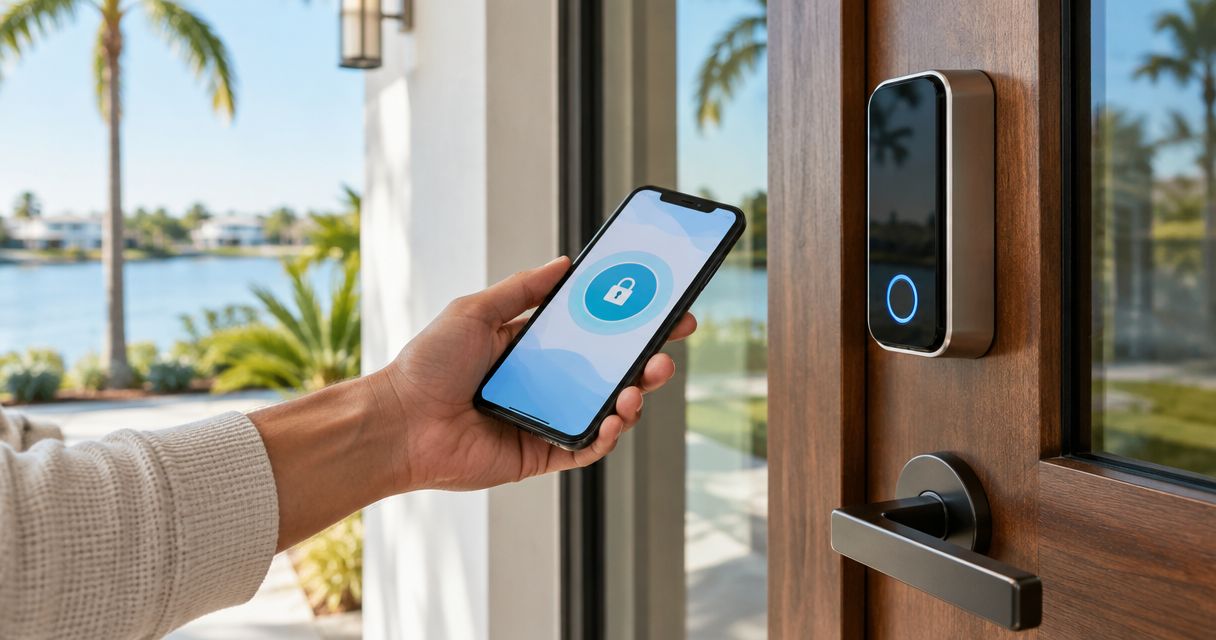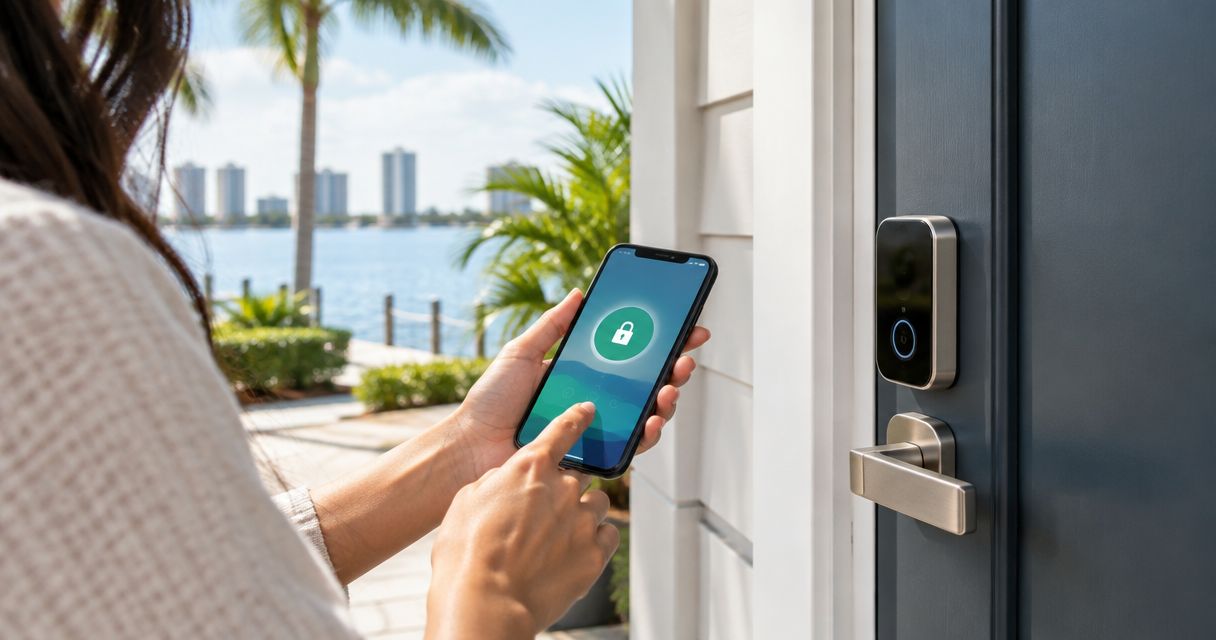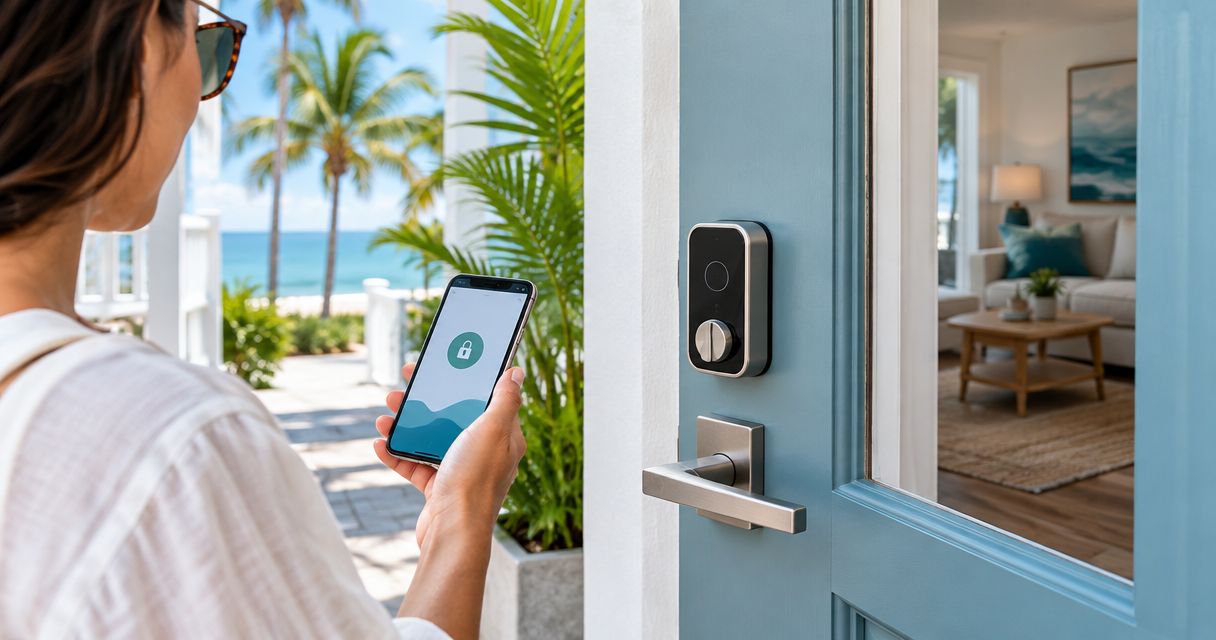
Best overall: a Wi-Fi keypad deadbolt. Best for unreliable internet: a locally programmed keypad deadbolt. Best for keeping existing exterior hardware: a retrofit smart lock with a separate keypad. For Southwest Florida Airbnb hosts, the best smart lock is the one guests can use at the door and you can manage between stays.
- Best smart locks for Airbnb hosts: choose a Wi-Fi keypad deadbolt when remote guest-code changes matter most.
- Choose a locally programmed keypad deadbolt when you cannot depend on the property's internet connection.
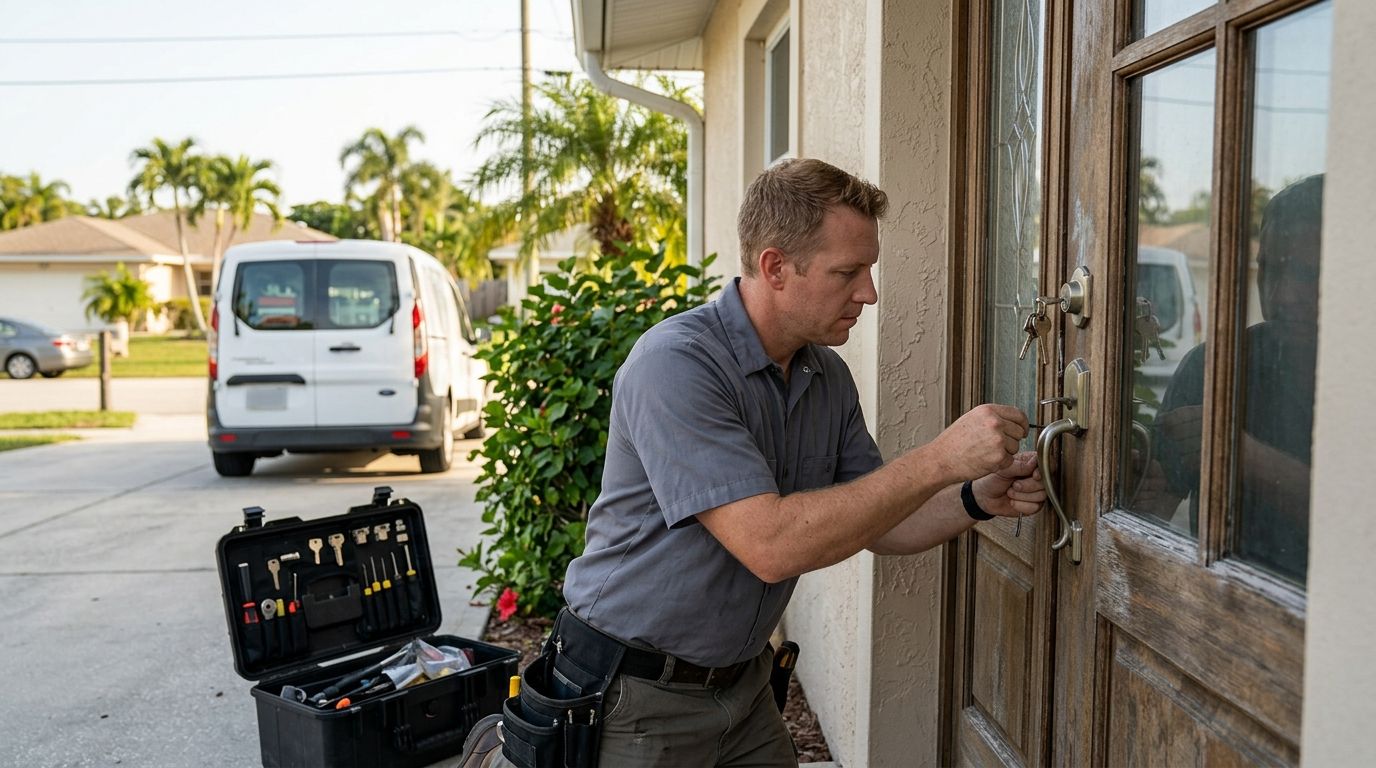
- GO Locksmith USA provides mobile smart lock installation across Fort Myers and Southwest Florida; confirm door fit before choosing a lock.
Why this matters
A guest needs an entry method that works without a handoff. You need a way to change access between stays. Those are separate requirements: a lock can accept keypad codes without letting you change them remotely, and remote controls do not help if the hardware does not fit the door.
GO Locksmith USA provides mobile smart lock installation for residents and businesses across Fort Myers and Southwest Florida. For a rental, start with the door and your guest-code process, not an app feature list. A lock that fits poorly creates a problem no scheduling feature can fix.
What makes the best smart lock for Airbnb hosts?
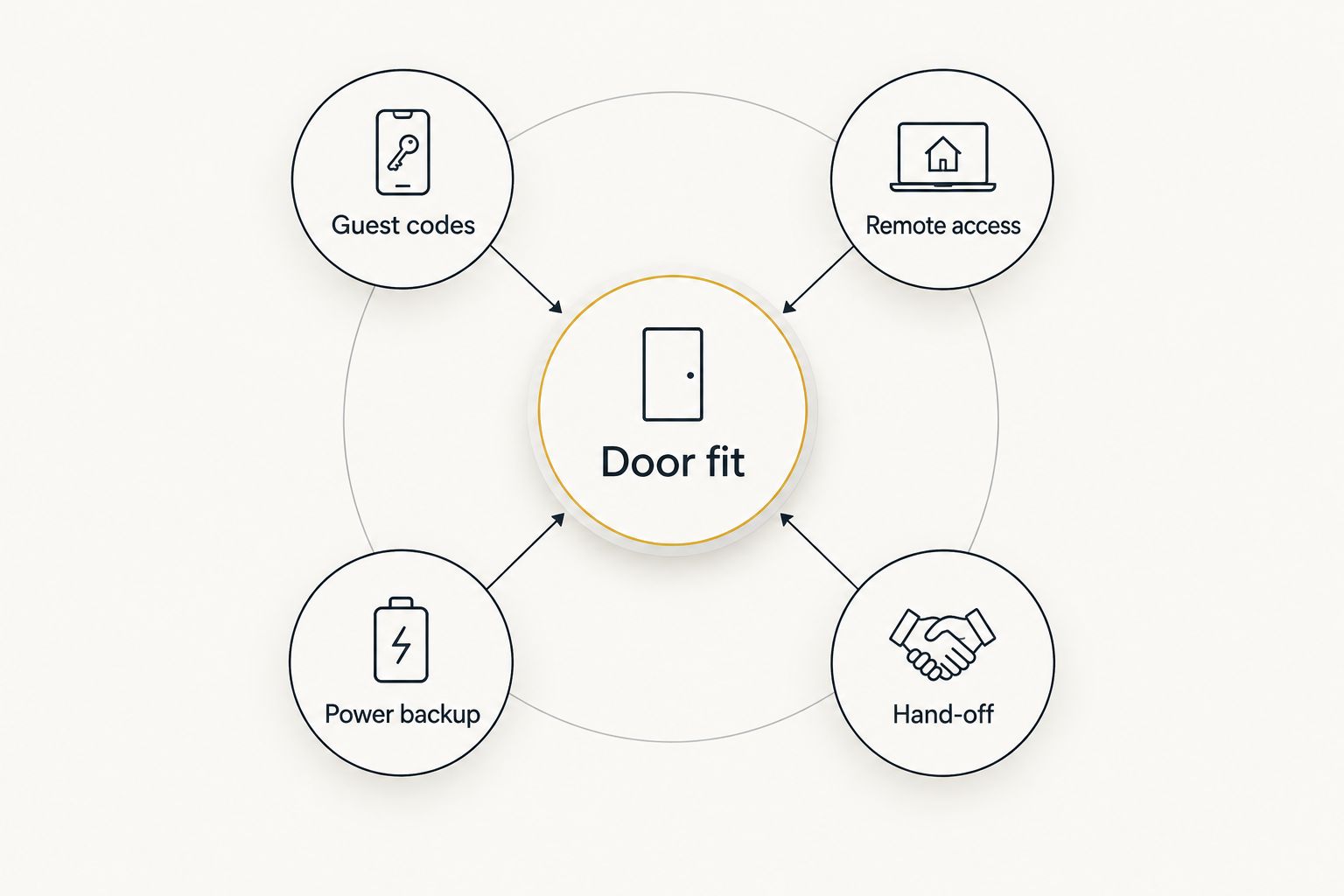
Use these criteria before comparing models. A feature only counts if it works with your specific door, connection, and turnover routine.
- Door fit: Check the existing lock type, door preparation, clearance, and whether the door closes and latches without being pushed or lifted.
- Guest codes: Decide whether each stay needs its own code and whether you must add or remove that code from elsewhere.
- Remote access: Separate remote code management from keypad entry. They are not the same feature.
- Power backup: Check how the chosen lock handles depleted batteries and what access method remains available.
- Hand-off: Write down who changes codes, checks the lock after a guest leaves, and responds when entry fails.
The measurements matter before the app does. Common residential deadbolt preparations include 2-3/8-inch and 2-3/4-inch backsets and a 2-1/8-inch face bore. Those are dimensions to check, not a promise that your rental door matches them.
The options at a glance
These are lock configurations, not interchangeable product recommendations. The winning configuration depends on what is already installed and how you manage the property.
| Configuration | Best for | Standout feature | Key limitation |
|---|---|---|---|
| Wi-Fi keypad deadbolt | Hosts changing codes remotely | Keypad entry plus remote management on supported models | Remote features depend on a working connection |
| Locally programmed keypad deadbolt | Properties with unreliable internet | Guest entry does not require property Wi-Fi | Code changes require someone at the door |
| Retrofit smart lock with separate keypad | Keeping compatible exterior hardware | Changes the interior side of an existing lock | Fit and keypad pairing need separate checks |
| Keypad smart lever | Doors prepared for a lever rather than a deadbolt | Keypad access in a lever format | Not a substitute for evaluating the full door setup |
1. Wi-Fi keypad deadbolt: best smart lock for remote turnovers
A Wi-Fi keypad deadbolt combines keypad entry with remote controls on models that support both. It is the clearest fit when you manage an Airbnb from elsewhere and need to update guest access without visiting the property. Check the exact model's code controls before choosing it; a keypad alone does not establish what you can do remotely.
Wi-Fi keypad deadbolt pros:
- Guests can enter with a code rather than collecting a physical key.
- Supported remote controls let you change access away from the property.
- A single deadbolt format keeps the entry plan easy to explain to guests.
Wi-Fi keypad deadbolt cons:
- Remote changes depend on the property's connection and the chosen lock's setup.
- Battery maintenance remains a host responsibility.
- A door that binds or fails to latch cleanly needs attention before installation.
Best for: A Southwest Florida host who manages turnovers off-site and has dependable internet at the entry door.
Before selecting a model, confirm how guest codes are created, when they become active, and how they are removed. Then check what happens if the internet goes down after a code has already been set. Those answers belong in the model's documentation, not in an assumption that every Wi-Fi lock behaves alike.
Make the entry instructions usable without describing the app: tell guests where the keypad is, which door to use, and whom to contact if the code fails. Verdict: Buy this configuration when remote code changes are essential and the door and connection support it.
2. Locally programmed keypad deadbolt: best for unreliable internet
A locally programmed keypad deadbolt lets guests use a code entered at the door without relying on property Wi-Fi for that entry method. It suits a host who can arrange on-site code changes or does not need to change access remotely. The trade-off is operational, not cosmetic: someone has to manage codes at the lock.
Locally programmed keypad deadbolt pros:
- Guest keypad entry is not tied to a property internet connection.
- The access method is straightforward to explain in arrival instructions.
- Hosts can evaluate door fit without also solving a Wi-Fi coverage problem.
Locally programmed keypad deadbolt cons:
- Changing or removing codes requires an on-site process.
- Features for scheduling or limiting codes differ by model; check before choosing.
- Battery checks and a failed-entry plan are still necessary.
Best for: A host whose property internet is unreliable and whose turnover process already includes a trusted person at the door.
The deciding question is simple: who removes the departing guest's access? If you cannot answer that with a specific person and task, an offline code workflow is not ready for your rental. Establish the process before buying the lock. If several people handle turnovers, keep one owner for code changes so no one assumes someone else completed them.
Do not mistake fewer connected features for a lock that requires no upkeep. Confirm the manufacturer's instructions for changing codes, checking batteries, and regaining access before the first guest uses it. Verdict: Buy when reliable keypad entry matters more than remote control and on-site code management is covered.
3. Retrofit smart lock with separate keypad: best for existing hardware
A retrofit smart lock changes the interior side of a compatible existing lock while retaining compatible exterior hardware. To give guests code entry, pair it with a keypad supported by that exact retrofit system. This is a fit-driven option, not a shortcut around measuring the door or checking compatibility.
Retrofit smart lock pros:
- Compatible exterior hardware can remain in place.
- A separate supported keypad can give guests a code-entry option.
- It offers a path to smart-lock controls without automatically replacing the full exterior assembly.
Retrofit smart lock cons:
- Not every existing deadbolt is compatible with every retrofit unit.
- The keypad is a separate component to select, place, and check.
- Keeping existing hardware does not fix a stiff or misaligned door.
Best for: A host who wants to retain compatible exterior hardware and can confirm both lock and keypad fit before installation.
Start by identifying the existing deadbolt and testing its movement with the door open and closed. If it turns freely only while the door is open, solve the closing or alignment problem first. A motor should not be expected to overcome a door that already takes force to lock.
Next, check the complete guest-entry path. Ask whether the selected keypad works with the retrofit lock, how codes are managed, and what happens if one component loses power or connection. A phone-based control that works for the host is not, by itself, an arrival method for guests. Verdict: Hold until the existing hardware and separate keypad are confirmed compatible.
4. Keypad smart lever: best for a lever-prepared door
A keypad smart lever puts code entry in a lever format. Consider it when the door's existing preparation calls for a lever and a deadbolt recommendation does not match the hardware in front of you. It is not an automatic replacement for a deadbolt on a door that uses both pieces.
Keypad smart lever pros:
- Fits the decision process when the door is prepared for lever hardware.
- Gives guests a keypad entry method on supported models.
- Keeps the hardware choice tied to the actual door rather than a generic rental checklist.
Keypad smart lever cons:
- Lever format alone says nothing about the full door's security or fit.
- Remote code features vary; a keypad does not guarantee them.
- Replacing one component can leave another lock on the door for guests to manage.
Best for: A host with a lever-prepared entry who has checked every lock guests must operate.
Look at the entire doorway before making this choice. If a separate deadbolt remains, decide whether guests need instructions for both locks and who controls each one. An entry setup that is clear to the host can still confuse someone arriving for the first time.
Check the manufacturer's fit requirements and how the chosen lever handles codes and power loss. Then test the guest's actual sequence: close the door, lock it, and enter again using only the instructions you plan to send. Verdict: Hold until the complete entry sequence is clear and the lever fits the door.
How to choose the lock that fits your turnover
Choose the code workflow first, then the hardware format. If you need to change access from another location, start with the Wi-Fi keypad deadbolt. If someone reliably handles code changes at the property and internet is a concern, start with the locally programmed keypad deadbolt. Consider a retrofit only when retaining compatible exterior hardware is a real requirement; consider a smart lever only when the door calls for one.
Walk through a guest stay from arrival to departure. Who sends the code? Who confirms that it works? Who removes access afterward? If the answer changes depending on who is working that day, write one repeatable process before installing anything.
Next, inspect the door while it is open and closed. Check that the latch moves freely, the door sits correctly in the frame, and the chosen lock's required dimensions match the existing preparation. GO Locksmith USA smart lock installation serves Fort Myers and Southwest Florida; an installation discussion should begin with the door and the access routine you need.
Check your smart-lock fit
Discuss the door and guest-entry setup for your Southwest Florida property.
How these options were ranked
The ranking puts remote guest-code management first, then keypad entry that does not depend on property internet. Hardware-preserving and lever-format options rank lower because they solve narrower door-fit problems. Every choice still has to pass the same checks: door fit, guest codes, remote access needs, power backup, and a clear hand-off process.
This is a ranking of configurations, not a claim that one named retail model fits every Southwest Florida rental. GO Locksmith USA is best for hosts who need mobile smart lock installation, not a substitute for checking the chosen lock's documented features. Bring the door details and your guest-access requirements to that conversation.
Which smart lock should you choose?
Choose a Wi-Fi keypad deadbolt by default if you manage turnovers remotely and the property has dependable internet at the door. Choose a locally programmed keypad deadbolt instead if internet reliability is the constraint and someone can manage codes on-site. Do not pick a retrofit or smart lever because it sounds simpler; pick one because the existing door makes it the right format.
For a 2026 Airbnb entry plan, the final test is a guest arriving without you there. The code, door, and backup instructions must make sense as one process. GO Locksmith USA provides smart lock installation across Fort Myers and Southwest Florida when you are ready to check that process against the actual door.
FAQ
What's the best smart lock for an Airbnb host managing remotely in 2026?
A Wi-Fi keypad deadbolt is the best starting point when remote guest-code changes are essential. Confirm the chosen model's code controls, door fit, and connection requirements before installation.
Will an Airbnb keypad lock work if the property internet goes down?
A locally programmed keypad deadbolt does not need property Wi-Fi for guests to enter a code. For a connected lock, check the specific model's documentation to see what still works during an outage.
Is a retrofit smart lock better than replacing the deadbolt?
A retrofit smart lock is better when you need to keep compatible exterior hardware. It is not the right choice until you confirm the existing deadbolt and separate guest keypad will work together.
Do Airbnb guests need an app to use a smart lock?
Guests do not need an app when the selected setup provides working keypad code entry. Check the exact lock and guest-entry instructions rather than assuming every smart lock includes a keypad.
Can a smart lock fix a door that is hard to lock?
No. Correct a door that binds or does not latch cleanly before installing a smart lock, because the new hardware still has to operate that door.
What should I check before smart lock installation in Fort Myers?
Check door preparation, lock fit, guest-code workflow, power backup, and the entry instructions you will send guests. GO Locksmith USA provides mobile smart lock installation in Fort Myers and Southwest Florida.
How should I manage guest codes between Airbnb stays?
Assign responsibility for creating and removing each guest's access before the first stay. Choose remote controls if that task must happen off-site, or an on-site routine for a locally programmed lock.
One last thing
A lock can work exactly as designed and still leave a guest outside if your instructions point to the wrong door or describe an extra lock that must be opened. In 2026, test the arrival using only the message a guest receives. If that test fails, fix the instructions or the entry setup before changing locks.