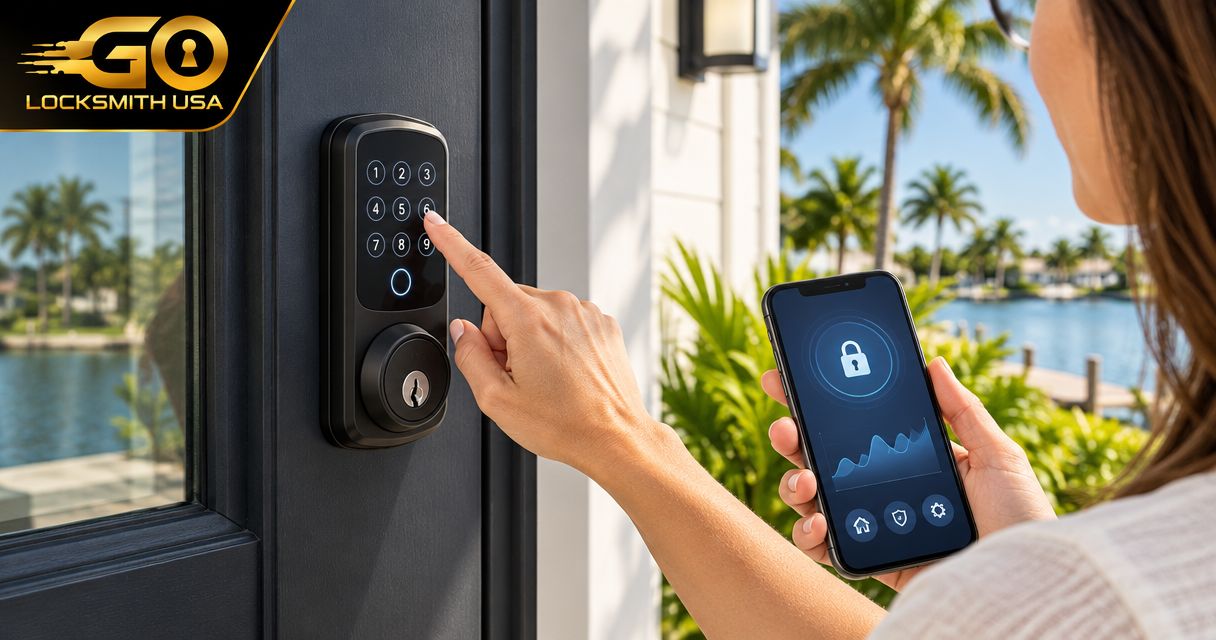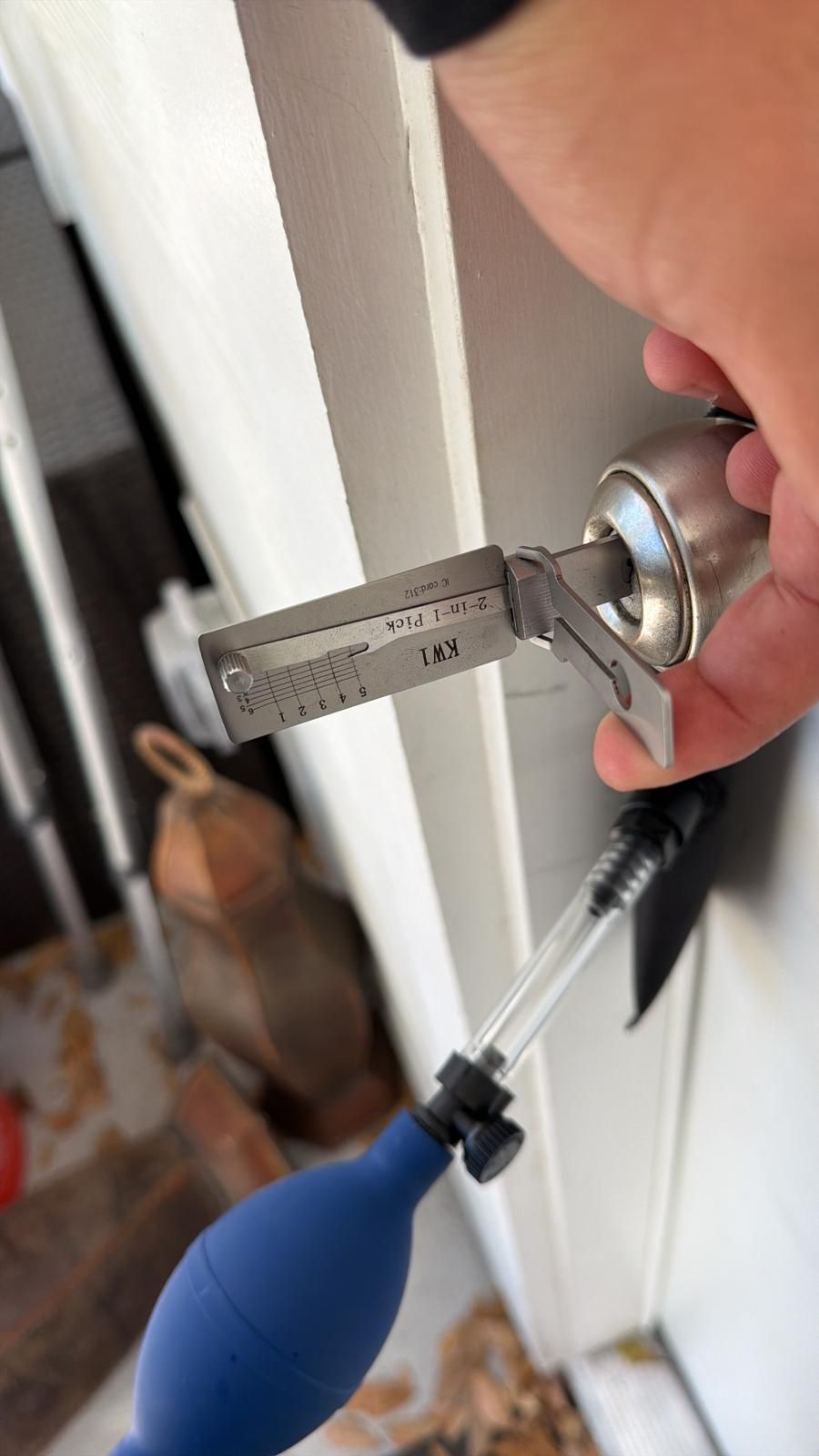
A showing calendar should grant door access only through a supported connection and an approved permission process. If no verified integration exists, manage showing access manually with clear issuance and removal steps. A calendar invitation is not proof that someone is authorized to enter, and a keypad does not automatically understand appointments.
- A showing schedule and door authorization are separate records.
- Verify the exact lock and scheduling platform before relying on automatic access.
- Test cancellation and rescheduling as well as a new appointment.
- Keep seller permission and account ownership clear throughout the listing.
Before linking anything
Confirm the owner has authorized the showing arrangement, identify the lock administrator, and check whether the chosen scheduling service actually supports the selected device or intermediary. Do not share administrator passwords to imitate a connection.
The real-estate rekeying guide addresses final possession and handover. Showing access has a different aim: temporary entry for an approved visit before that handover.
Create a reliable manual route first
Write down who approves the appointment, who sends access instructions, and who confirms removal or expiry. Use individual credentials where the installed model supports them, rather than circulating one unrestricted code indefinitely.
Keep sensitive instructions separate from public marketing. Verify the actual recipient before sending access details.
| Workflow | Best for | Boundary |
|---|---|---|
| Documented manual issuance | Platforms without a verified connection | Requires someone responsible for every change |
| Supported appointment-linked access | A confirmed device and scheduling combination | Rules and exceptions still need testing |
| Agent-supervised entry | Listings requiring direct attendance | Calendar approval does not replace supervision |
Test the supported connection with an approved appointment
- Confirm both providers' current compatibility information.
- Use the authorized accounts to establish the connection.
- Match the physical entrance to the correct listing record.
- Review which approved appointment states create permissions.
- Test access using the documented method while safe entry remains available.
- Cancel or reschedule the test and check that permissions change as intended.
The expected result is the right person's access to the right door for the agreed purpose. Merely displaying a lock in the scheduler is not that result.
Handle cancellations without leaving old access active
Decide who responds when an appointment changes late. If the system cannot perform the desired expiry reliably, retain a manual process rather than claiming it is automated.
Check staff, vendor, and owner credentials separately. A cancelled showing should not accidentally remove the seller's independent authorized entry or leave a visitor credential usable without review.
Troubleshoot the correct layer
A rejected code can involve the permission record or the lock. A bolt that binds involves physical operation. Do not reset an occupied home's lock or replace hardware merely because the calendar and device disagree.
Keep records of the specific error and contact the appropriate software provider. GO Locksmith's physical lock services do not imply support for configuring every showing platform.
FAQ
Can any keypad connect to a showing calendar?
No. Confirm the exact model and platform's supported connection before relying on it.
Does a confirmed appointment authorize entry automatically?
Not by itself. Owner permission and the agreed access process still apply.
What should be tested after connecting?
Correct listing mapping, recipient access, expiry, cancellation, and rescheduling behavior.
Can I use one permanent code for all showings?
That loses individual control. Use appropriate supported credentials and a documented access process.
Can GO Locksmith configure the calendar connection?
That capability is not confirmed. Use the software provider for integration support and GO Locksmith for supported physical lock work.
Keep access tied to approval
For supported lock replacement or fresh installation, call GO Locksmith at (239) 412-1101 with the actual entrance and hardware. Arrange software configuration through the provider responsible for that connection.