For everyday home entry, start with a standalone electronic keypad lock; choose a connected smart lock when you need remote access management, and a commercial credential system when you need individual employee access. This guide to the best keyless entry systems ranked by cost explains which features belong in your estimate—and which add functions you do not need.
- Best keyless entry systems ranked by cost: compare installed estimates, not hardware alone.
- Standalone electronic keypad locks suit households that need code entry without remote management.
- Connected smart locks suit owners who need remote access; verify the exact model’s requirements.
- GO Locksmith provides mobile lock installation services; call to discuss your door and request a job-specific estimate.
Why the door matters more than the feature list
A keyless lock is an access method, not a cure for a door that sticks or hardware that does not fit. Before choosing features, identify the door, existing lock, and people who need entry. Those details determine whether a proposed system is suitable.
GO Locksmith provides mobile lock repair, replacement, rekeying, and fresh installation in Fort Myers and confirmed surrounding service areas. For keyless entry installation, discuss the specific hardware before buying; a service listing is not a compatibility guarantee.
GO Locksmith is a mobile service option for Fort Myers customers who need lock installation rather than a storefront purchase. The right system still depends on your door and the access functions you need.
What makes the best keyless entry system for your budget?
Use these criteria to compare systems before asking which one costs less:
- Door compatibility: Match the lock to the door material, preparation, thickness, and existing hardware. Check manufacturer requirements rather than assuming any keypad fits.
- Access management: Decide whether you need a household code, separate user codes, temporary access, or individual credentials.
- Connectivity: Separate local entry from remote control. Bluetooth, Wi-Fi, and hub-based functions are not interchangeable.
- Failure planning: Check the documented options for depleted batteries, lost credentials, connection failures, and emergency access.
- Complete installation scope: Include necessary door adjustments, hardware changes, power requirements, and setup in the estimate.
- Ongoing responsibility: Identify who changes credentials, maintains batteries, manages accounts, and handles access problems.
A feature deserves space in your budget only if you will use it. Remote control has a purpose when you manage entry from elsewhere; it does not automatically improve the physical strength of a lock.
Keyless entry options at a glance
The order below starts with local-entry options and moves toward connected and managed access. It is a buying shortlist, not a universal lowest-to-highest price order: the door, selected model, and installation scope determine the actual comparison.
| Rank and system | Best for | Standout function | What to include in the estimate | Key limitation |
|---|---|---|---|---|
| 1. Standalone electronic keypad lock | Everyday household code entry | Local electronic code entry | Lock, fitting, setup, and any door correction | No remote management unless the selected model supports it |
| 2. Mechanical keypad lock | Code entry without electronic power | Mechanically operated code entry | Hardware compatibility and fitting | Code-management features depend on the mechanism |
| 3. Retrofit smart-lock mechanism | Adding electronic operation to a compatible existing deadbolt | Retains parts of the existing lock assembly | Compatibility, accessories, and setup | Not suitable for every deadbolt or door |
| 4. Connected replacement smart lock | Managing access while away | Supported remote access functions | Replacement hardware, connection requirements, and account setup | Remote functions depend on the connection and platform |
| 5. Commercial credential system | Managing individual employee access | Individual cards, fobs, or other supported credentials | Door hardware, controller, power, and administration | Requires more planning than choosing a residential lock |
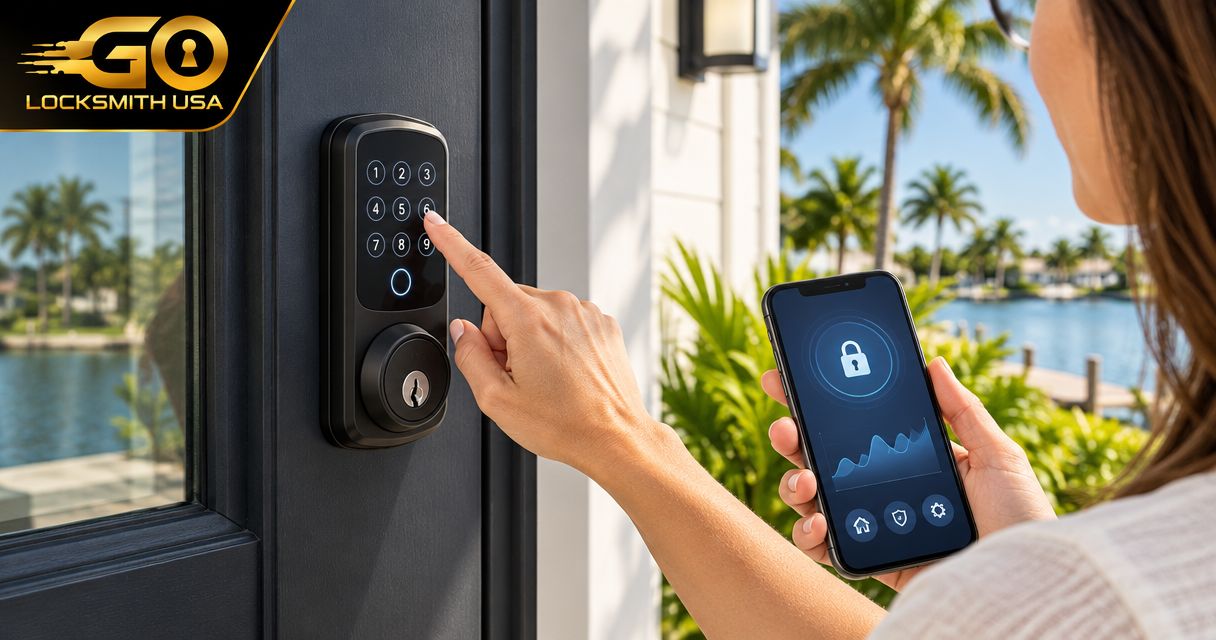
1. Standalone electronic keypad lock: household code entry
A standalone electronic keypad lock accepts a code at the door without making remote management the main requirement. Depending on the model, it replaces a deadbolt or another compatible lock assembly. Check the exact specification for user codes, automatic locking, backup entry, and power requirements.
Best for: A household that wants everyday code entry and can manage access at the door.
This is the default starting point because it answers a straightforward need: entering without using a physical key each time. Do not buy connected features solely because the packaging describes the lock as smart.
Standalone electronic keypad lock pros:
- Provides code entry without requiring a phone for that entry method.
- Keeps the buying decision focused on local access.
- Offers a practical shortlist for households that do not need remote administration.
Standalone electronic keypad lock cons:
- Battery-powered models require battery maintenance.
- Shared codes do not identify which person entered.
- Local-only models do not provide remote code changes.
Estimate focus: Ask whether fitting, code setup, and correction of an existing door problem are included. Confirm how you will enter if electronic operation becomes unavailable.
Verdict: Buy for straightforward household code entry, after confirming fit and backup access.
2. Mechanical keypad lock: entry without electronic power
A mechanical keypad lock uses a mechanical code mechanism rather than electronic authentication. It suits buyers whose priority is code entry without batteries or a network connection. The specific lock determines how codes work and how they are changed.
Best for: A door where electronic power is unwanted and basic code access is sufficient.
Mechanical does not mean suitable for every exterior door. Check the intended application, hardware dimensions, and operating instructions. For a business door, verify exit requirements before considering any replacement.
Mechanical keypad lock pros:
- Does not require batteries for its mechanical code function.
- Does not depend on an app or network for entry.
- Keeps account management out of the access process.
Mechanical keypad lock cons:
- Does not provide app-based remote administration.
- Code-changing procedures vary by model.
- Individual-user management requires features that a basic shared-code mechanism does not supply.
Estimate focus: Ask about the specific door preparation and code-changing procedure. Choose a lock you can administer correctly, not just one whose appearance suits the door.
Verdict: Buy when avoiding electronic power is a requirement; skip when remote management is essential.
3. Retrofit smart-lock mechanism: compatible existing deadbolts
A retrofit smart-lock mechanism adds electronic operation to a compatible existing lock rather than replacing every component. Some designs retain the exterior cylinder and alter the interior operation. The exact model determines what remains, what changes, and whether an additional keypad is supported.
Best for: An owner who wants electronic operation while retaining compatible existing exterior hardware.
A retrofit device is not automatically keyless at the outside of the door. Identify the intended entry method—phone, keypad, or another supported credential—and include every required accessory. Compatibility comes before appearance.
Retrofit smart-lock mechanism pros:
- Retains existing components where the design allows.
- Offers an alternative to complete lock replacement.
- Supports electronic operation on specifically compatible hardware.
Retrofit smart-lock mechanism cons:
- Compatibility is limited to the manufacturer’s supported configurations.
- Keypad entry can require a separate accessory.
- Existing mechanical problems still need attention.
Estimate focus: Identify the deadbolt and confirm the complete equipment list. Do not compare a retrofit mechanism alone with a replacement lock that already includes the entry method you want.
Verdict: Hold until compatibility and the complete entry setup are confirmed.
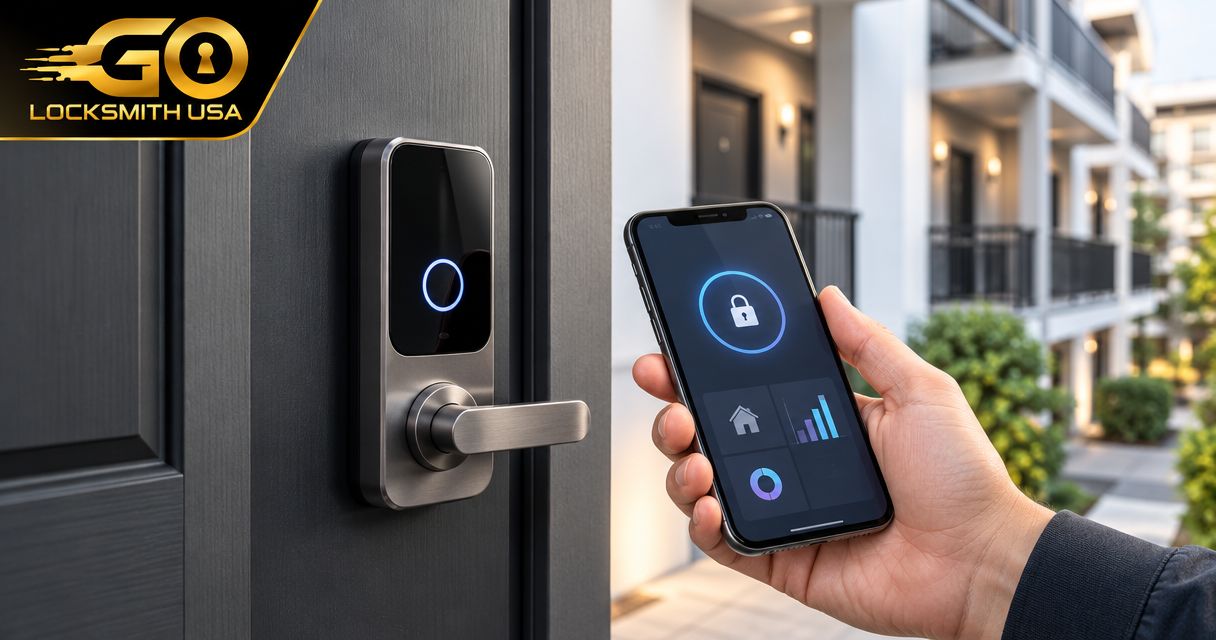
4. Connected replacement smart lock: remote access management
A connected replacement smart lock combines replacement door hardware with supported connected functions. Those functions can include remote control, user-code management, or access records, depending on the model and platform. Verify each required function in the manufacturer’s current documentation.
Best for: A homeowner or rental-property owner who needs to manage access while away.
Remote management is different from standing near a lock and using Bluetooth. Determine whether the selected system requires Wi-Fi, a separate bridge, a hub, or another connection. Also check what still works when that connection is unavailable.
Connected replacement smart lock pros:
- Provides remote administration when the chosen setup supports it.
- Supports access arrangements beyond a single shared code on suitable models.
- Combines replacement hardware and connected operation in one planned installation.
Connected replacement smart lock cons:
- Remote functions depend on the required connection and platform.
- Battery and account maintenance remain the owner’s responsibility.
- Integrations are specific; a smart label is not proof of compatibility.
Estimate focus: Include the complete connection setup and any required accessories. If you manage guest access, the guide to keypad door locks for vacation rentals addresses that more specific buying decision.
Verdict: Buy when remote access solves a real management problem; skip unused connected features.
5. Commercial credential system: individual employee access
A commercial credential system uses supported credentials, such as cards or fobs, to control entry. Depending on the design, a controller manages permissions and communicates with the door hardware. This category requires a door-specific plan, not simply a residential keypad purchase.
Best for: A business that needs to assign and remove individual employee access.
Entry control and safe exit are separate requirements. A proposed system must preserve the door’s applicable egress and fire-rating requirements. Confirm the needed expertise and installation scope rather than assuming every locksmith installs every access-control system.
Commercial credential system pros:
- Supports individual access permissions in suitable configurations.
- Allows credential removal without relying on a shared household code.
- Supports managed access across the doors included in the design.
Commercial credential system cons:
- Requires planning for hardware, control, power, and administration.
- Functions vary with the controller and management platform.
- Ongoing credential management needs a responsible administrator.
Estimate focus: Request a defined scope covering each door, its hardware, power arrangement, and exit operation. GO Locksmith confirms commercial lock installation, push bar, and door closer services; ask about the specific job without assuming broader access-control capabilities.
Verdict: Hold until the door requirements, system design, and installation responsibilities are defined.
How to compare estimates without comparing different jobs
The useful cost ranking comes from estimates for the same door and the same required functions. A hardware-only offer and a complete installation proposal are different purchases.
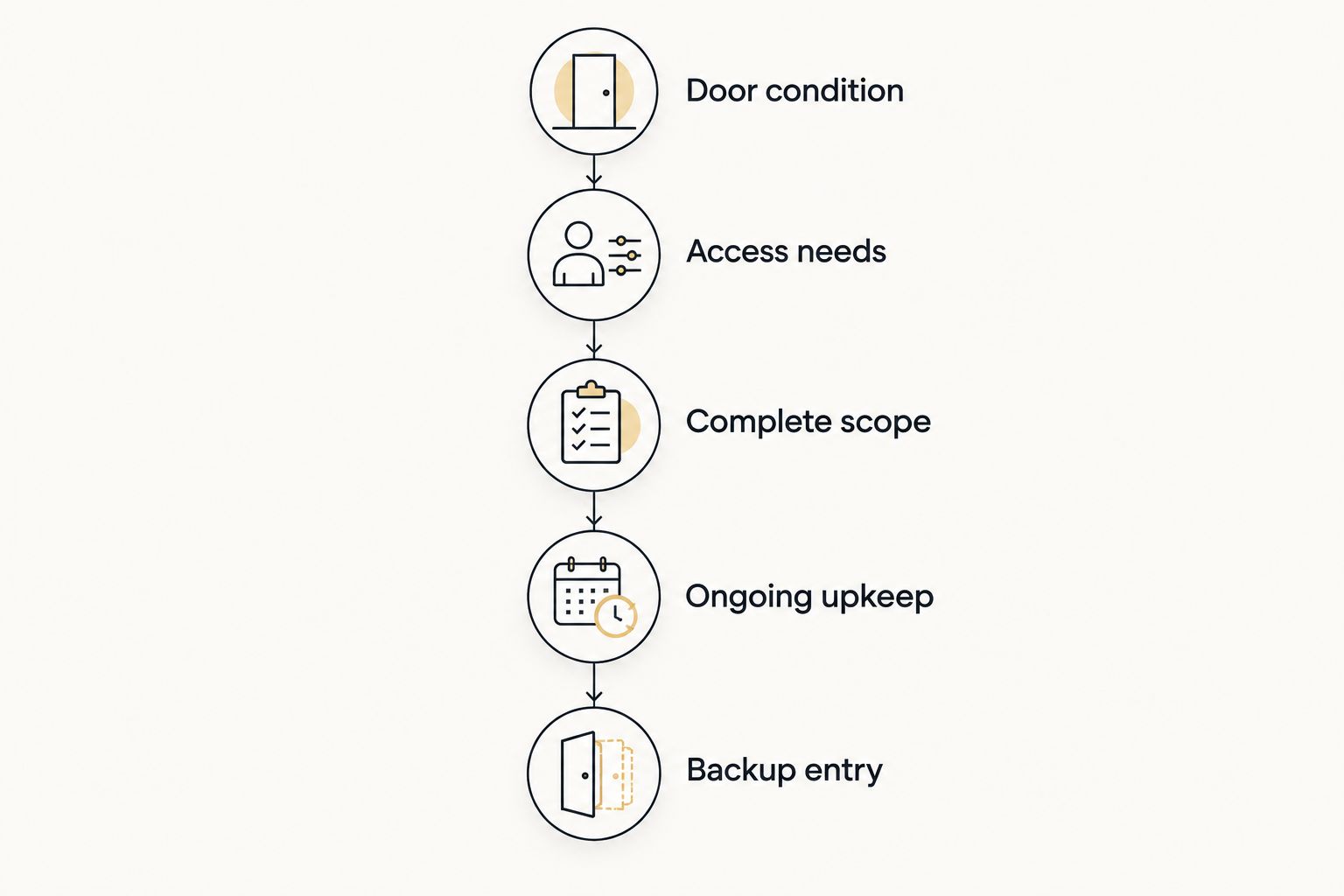
Use this sequence:
- Door condition: Describe the existing hardware and any sticking, rubbing, or latching problem. Provide photos if the service provider requests them.
- Access needs: State who needs entry and whether you require local codes, remote changes, or individual credentials.
- Complete scope: Ask which hardware, accessories, fitting, and setup the proposal includes.
- Ongoing upkeep: Check battery maintenance, account administration, and any terms attached to required connected services.
- Backup entry: Confirm the documented way to regain access if the normal entry method fails.
Each provider should answer those same questions. Otherwise, a shorter proposal can look attractive simply because it leaves work or equipment outside its scope.
How the shortlist is ranked
This shortlist prioritizes everyday access needs before additional management functions. Standalone keypad entry comes first for ordinary household use; mechanical entry addresses the separate need to avoid electronic power. Retrofit, connected replacement, and commercial systems serve distinct installation or administration requirements.
It is not a product test or a claim that one category always costs less. Rank your actual estimates only after confirming compatibility, included work, and the functions you require.
Which keyless entry system should you choose?
Choose a standalone electronic keypad lock if your goal is simply to enter your home with a code. Choose a mechanical keypad when battery-free operation is the priority, a retrofit mechanism when retaining compatible hardware matters, or a connected replacement when you need remote management.
For employee access, start with the commercial door requirements. Do not make a residential lock do a job its documentation does not support.
FAQ
What are the best keyless entry systems ranked by cost?
The useful cost ranking is a comparison of complete estimates for your door and required functions. Start with standalone keypad entry for household use, then consider retrofit, connected, or commercial systems when their specific functions are needed.
Is a keypad lock better than a smart lock?
A standalone keypad lock suits local code entry; a connected smart lock suits supported remote management. Neither label establishes physical security or door compatibility by itself.
How much does keyless entry installation cost?
Keyless entry installation depends on the selected hardware, door condition, and work required. Call GO Locksmith at (239) 412-1101 for a job-specific estimate and confirmation of the proposed installation scope.
Can I add keyless entry to my existing deadbolt?
A compatible retrofit mechanism can add electronic operation to some existing deadbolts. Confirm the exact deadbolt, retrofit model, and required entry accessories before buying.
Will a keyless door lock work without internet?
Internet requirements depend on the model and function. Mechanical locks do not need internet, while electronic locks require a check of which local functions remain available when their connection is down.
What happens when a keypad lock battery dies?
The backup-entry method depends on the specific lock. Read the manufacturer’s instructions before installation and keep the required backup method accessible outside the locked property.
Can I use a home smart lock on a business exit door?
Do not assume a residential smart lock is suitable for a business exit door. Verify the door’s applicable egress, fire-rating, and hardware requirements before changing the lock.
Does GO Locksmith offer round-the-clock service?
GO Locksmith is not a round-the-clock service. Hours are Sunday–Thursday 7:00 AM–11:00 PM and Friday 7:00 AM–5:00 PM; Saturday is closed. Call during operating hours to check current availability.
One last thing: do not lock away your backup
A backup key inside the home cannot help you enter from outside. Whatever system you choose, plan the backup arrangement before relying on keyless entry, and follow the manufacturer’s instructions for that exact lock.
Need help with a Fort Myers door? Call (239) 412-1101 during operating hours to discuss the hardware, check current availability, and request an installation estimate.