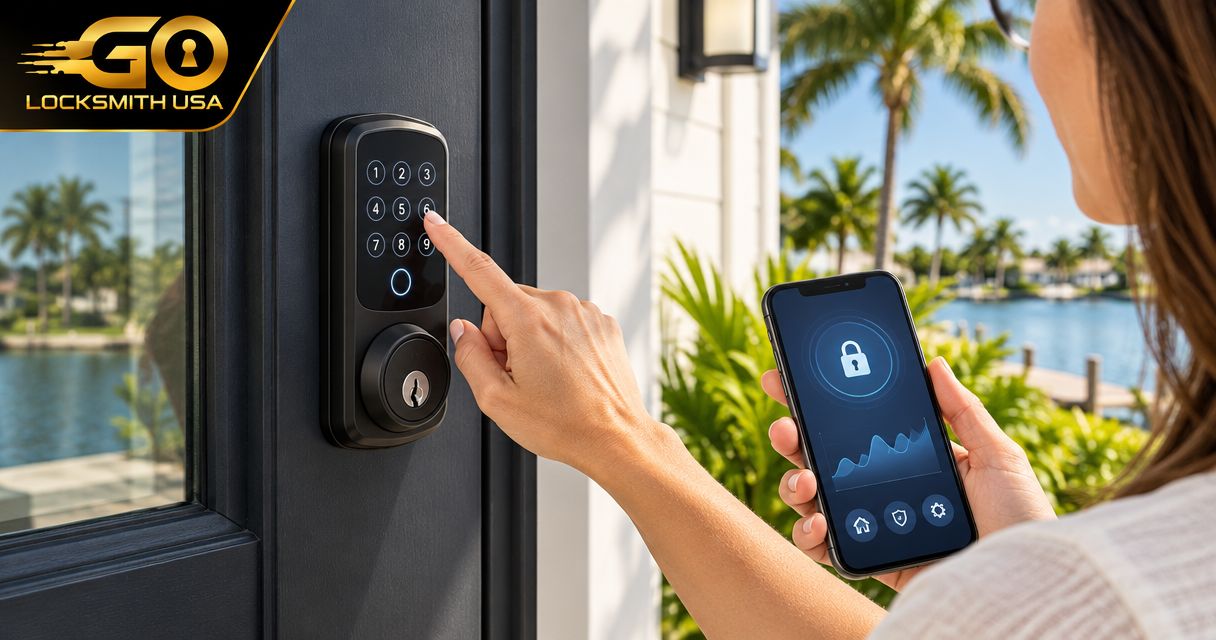
For vacation rentals, choose keypad hardware by how you will issue, change, and retire guest codes—not by appearance or a universal best-product label. A local keypad can suit an owner who manages access on site; a supported connected model can suit remote administration. Both need compatible door hardware and a dependable backup-entry plan.
- Vacation-rental keypad locks need a workable guest-code turnover process.
- Offline entry and remote code management are different features.
- Check door fit before choosing hardware.
- GO Locksmith provides supported physical lock work, not a universal booking-software service.
Choose the code workflow before the lock
A guest's main question is how to get inside. Your operational question is who makes sure that access ends afterward. The Southwest Florida host lock guide covers broader smart-lock choices; here the focus is the keypad handover itself.
| Arrangement | Best for | Limitation |
|---|---|---|
| Local code administration | Owners or managers present for changes | Someone must attend when the model requires it |
| Supported remote administration | Off-site managers handling guest turnover | Connectivity and account responsibilities remain |
| Supported booking-linked credentials | Properties using an eligible reservation connection | Exact software and device compatibility must be confirmed |
Do not assume a keypad has remote management, timed codes, history, or booking integration merely because it has buttons. Check each required feature in the exact model's instructions.
Make arrival instructions usable without your intervention
Explain which entrance guests should use, how to enter the supplied credential, and what indicates normal operation. Avoid placing codes in public listing photographs or permanently shared documents.
Have an authorized person unfamiliar with the property try the written instructions. If they need a separate explanation at the door, improve the instructions before treating the system as ready for guests. Keep confidential credentials separate from general directions.
Separate guests from staff
Where the model supports individual permissions, use appropriate separate credentials for cleaning, maintenance, and management. A cleaner's continuing access should not depend on reusing each guest's code, and guests should not receive an administrator credential.
Record who can create codes and who confirms expiry. If the device requires manual deletion, include that task in the turnover process rather than assuming checkout automatically removes access.
Prepare for a guest who cannot enter
Keep the correct contact available and a tested authorized backup route. A backup key stored inside the locked home is not a usable outside-entry plan.
Troubleshooting should distinguish a rejected credential from a bolt that cannot move. If the door must be lifted to lock, the mechanical fit needs attention; sending another code will not correct it.
Do not reset the lock while a guest depends on its current permissions unless you understand the model's procedure and have an access transition plan.
Verify the closing side too
Guests need clear departure instructions. Test that the door closes, the lock secures through the intended method, and any status indicator is understood. An app's locked status is not a substitute for assessing whether the bolt can engage correctly.
For a property with a garage or separate entrance, identify which access routes are included. Changing the front-door code does not remove another key or remote issued to the guest.
FAQ
Does every keypad lock support automatic checkout expiry?
No. Verify the exact model and supported connection. Some arrangements require manual changes.
Can a guest keypad code also be the manager code?
Use the model's supported access roles instead of giving guests administrator access.
Is a keypad lock useful without Wi-Fi?
A model supporting local entry can be useful, but remote management and other connected functions must be checked separately.
Should the backup key be kept inside the rental?
Keep an authorized backup-entry route that can be used when the guest cannot enter. A key locked inside does not provide that route.
Can GO Locksmith install every rental keypad?
No universal compatibility claim is made. Call with the exact lock and door to discuss supported fresh installation or replacement.
Arrange the physical work separately
Call GO Locksmith at (239) 412-1101 with the door and selected hardware to request a job-specific estimate and check availability. GO Locksmith provides mobile service in Fort Myers and Southwest Florida and also operates in Jacksonville.