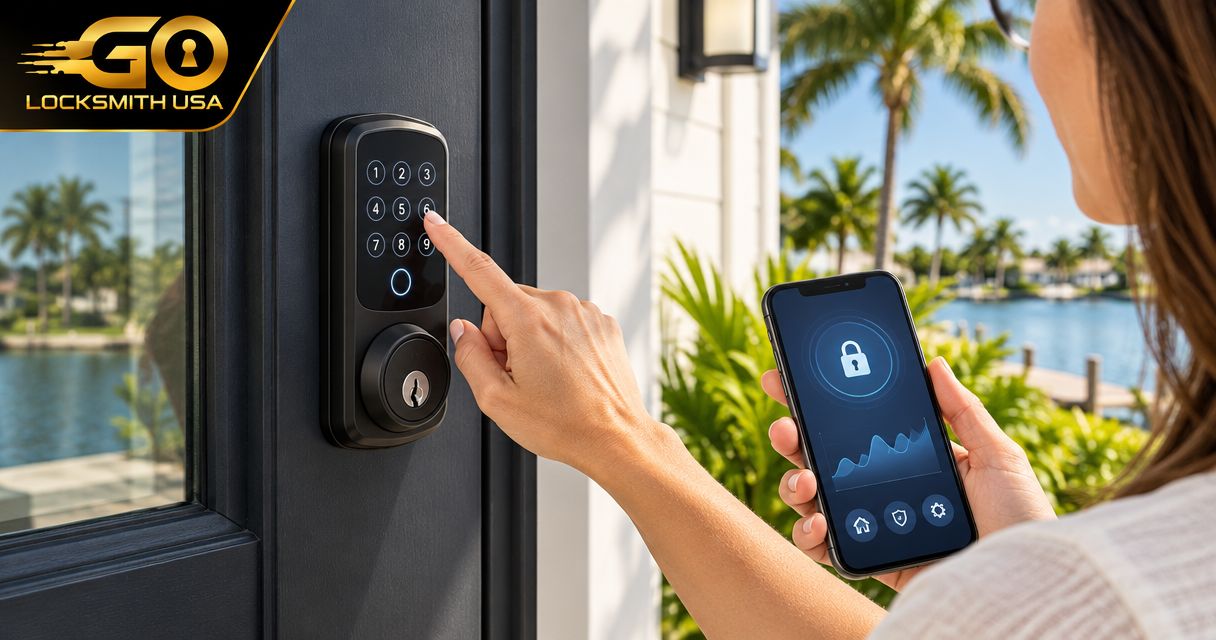
Choose an Alexa- or Google Home-compatible smart lock by the exact controls you need, the documented connection route, and the door it must fit. Compatibility with an assistant does not mean that every model supports the same commands or safeguards. Select the hardware first; setup instructions cannot make an unsupported lock compatible.
- Assistant compatibility is specific to the lock model and supported connection route.
- Check locking, status, and any unlocking permissions separately.
- Account ownership matters when several people share a home.
- Voice control is optional; reliable local entry and safe exit remain essential.
Write down the control you actually want
Do you want to check whether the entrance is locked, secure it remotely, or use a supported voice function? Those are different requirements. Do not buy based solely on an assistant logo.
The Florida smart-lock guide covers door fit and entry options. Assistant selection adds a specific interoperability test rather than replacing those checks.
Compare the routes, not a universal ranking
| Arrangement | Best for | Selection limit |
|---|---|---|
| Manufacturer-supported assistant connection | A verified feature on the exact model | Available controls and safeguards vary |
| Supported controller or bridge route | A lock requiring additional compatible equipment | Hardware and account requirements must both be met |
| Local entry without assistant control | Users who only need key or keypad access | Does not provide the desired connected commands |
Schlage's current product information names Alexa and Google Home compatibility for particular products, including Encode Plus. That is a model-specific example, not an endorsement for every door or evidence that other Schlage models have identical features.
Check the manufacturer's current instructions for your exact model, region, controller, and account. Do not transfer an advertised capability from a similarly named product.
Check opening permissions more carefully than status checks
An assistant telling you a lock's reported state is different from granting someone the ability to open an entrance. Read the actual safeguards and account-sharing rules for the supported setup.
Do not assume a voice routine can unlock a door, that it requires a particular code, or that every command works on both assistants. Those are product and platform facts requiring confirmation at selection time.
Discuss who can administer the linked account and which household users will be permitted to operate the entrance. Remove departing users through each relevant system rather than assuming a password change covers everything.
Verify the physical and local fallback requirements
Check that the proposed lock fits the actual entrance and that its ordinary local methods meet your needs. Network features do not correct a binding bolt or an unsuitable door preparation.
Identify what remains usable when the phone, controller, or internet connection is unavailable. Follow the specific model's battery and recovery instructions instead of inventing a universal fallback.
GO Locksmith provides lock repair, replacement, rekeying, and fresh installation. Confirm supported physical work for your selected model; assistant account setup is a separate support question.
FAQ
Does Alexa compatibility mean Google Home compatibility too?
No. Check both against the exact model and supported setup.
Can every compatible smart lock unlock by voice?
Do not assume it. Commands, account permissions, and safeguards depend on the documented connection.
Is assistant support required for keypad entry?
Not universally. Local entry and connected commands are different features; check the model.
Should I choose hardware before reading setup instructions?
Review compatibility and requirements before purchase. Setup cannot supply an unsupported feature.
Does GO Locksmith provide every smart-home integration?
No such capability is confirmed. Discuss physical lock work with GO Locksmith and use the relevant provider for account support.
Buy to a documented requirement
For the physical entrance assessment, call GO Locksmith at (239) 412-1101 with the selected lock and door details. Check availability and ask for an estimate before approving work.