A smart lock for aging in place should match the homeowner's actual way of entering and leaving the home, with reliable assistance from trusted people when needed. App features alone do not establish usability. Try the controls, check the door's physical operation, and keep exit and backup access understandable without a complicated routine.
- Aging-in-place lock choices should follow the homeowner's actual entry routine.
- Test controls with the person who will use them.
- Separate trusted-helper access from account ownership.
- Backup entry and safe exit matter independently of phone connectivity.
Start with the resident, not the feature list
Ask what is difficult about the current entrance: turning a key, remembering where it is, seeing controls, using a phone, or pushing a door that binds. Those are different problems. A connected lock does not automatically solve any of them.
The Florida home smart-lock guide explains general hardware choices. The additional test here is whether the actual user can operate the proposed arrangement comfortably and reliably.
Do not describe a device as medically suitable or an accessibility solution solely from a product advertisement. When disability-related or building requirements apply, obtain appropriate guidance for the entrance and user's needs.
Compare entry routines
| Routine | Best for | What to test |
|---|---|---|
| Physical key | A familiar method the user can manage | Grip, turning, and secure key custody |
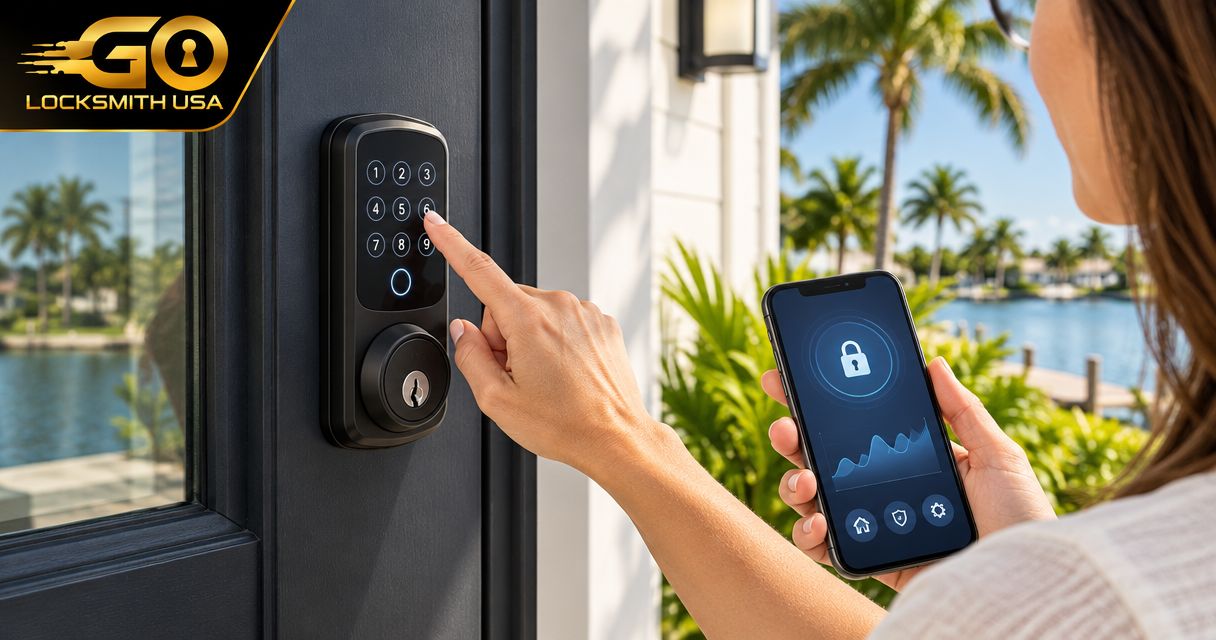
| Keypad | A user comfortable entering a credential | Visibility, reach, feedback, and supported code rules |
| Supported phone access | Someone who consistently uses the required phone | Account recovery and operation when the phone is unavailable |
The final choice can retain more than one authorized method. Do not remove a familiar working option just to make the entrance appear more modern.
Try the whole journey
Assess approaching the door, carrying ordinary belongings, identifying the control, opening, and securing the entrance afterward. Test in the actual lighting where possible.
A demonstration with the door held open is useful for setup, but it does not establish normal closed-door operation. A bolt that binds or a heavy, poorly operating door needs physical assessment separately from the credential method.
Record what the user finds confusing. A lock that technically functions but requires repeated coaching may not be the right everyday arrangement.
Decide who manages trusted access
Identify who owns the account and who can help with permissions. A helper should receive only the supported access they need, rather than automatically controlling the homeowner's account.
Review changes when carers, relatives, or contractors no longer need access. Physical keys and digital credentials are separate: removing an app user does not disable a key held by that person.
Keep instructions and recovery details securely accessible to the appropriate authorized people. Do not place the only recovery information inside an account nobody else can reach in an emergency.
Plan a failure the homeowner can understand
Explain what to do if batteries need attention, the phone is lost, or a credential is rejected. Follow the exact model's directions; backup power arrangements vary.
Safe exit should not depend on a visiting helper or an internet connection. Do not add restraints or change required exit operation based on a generic smart-home guide.
FAQ
Is a smart lock always easier than a key?
No. Ease of use depends on the person, controls, door condition, and chosen access method.
Should relatives use the homeowner's administrator account?
Use appropriate supported permissions and agree account ownership rather than sharing control by default.
Can a smart lock fix a door that is hard to close?
Not automatically. Door alignment and hardware condition need separate assessment.
What if the homeowner does not use a smartphone?
Consider supported entry methods that fit their routine. Phone operation is not a universal requirement for every electronic lock.
Does GO Locksmith provide accessibility certification?
No such credential or service is confirmed. Call to discuss supported physical lock work; seek appropriate guidance for accessibility requirements.
Describe the routine you want to improve
For supported lock repair, replacement, rekeying, or fresh installation, call GO Locksmith at (239) 412-1101. Explain the entrance and hardware rather than assuming a particular device will suit every homeowner.