Best for centrally managed apartment access: Schlage Control. Best for a small, independently managed property: Schlage Encode. Best for choosing between keypad configurations: Yale Assure Lock 2. Best for retaining an existing exterior deadbolt: August Wi-Fi Smart Lock. This guide compares apartment unit-door options by management needs, door compatibility, and backup entry—not consumer-app features alone.
- Schlage Control leads the best smart locks for apartment complex unit doors shortlist when centralized credential management is required.
- Schlage Encode suits small properties managing individual unit doors rather than a building-wide access platform.
- Yale Assure Lock 2 offers configuration choices; verify the exact keypad, cylinder, and connectivity version.
- August Wi-Fi Smart Lock suits compatible retrofit installations that retain existing exterior hardware.
- Confirm door approval, resident access, and backup entry before selecting any apartment smart lock.
Why apartment unit doors need a different shortlist
An apartment unit door is not just another connected device. You need a way to remove former residents’ access, admit authorized maintenance staff, and restore entry when a credential or battery fails.
Building entrances and unit doors also serve different purposes. A lock selected for one resident’s phone does not automatically meet a property manager’s needs across multiple apartments.
GO Locksmith provides mobile lock repair, replacement, and rekeying in Fort Myers and other confirmed Southwest Florida service areas. Keep the physical door assessment separate from the access-platform decision: both need to work before you replace existing hardware.
What makes the best apartment unit-door smart lock
Use these criteria before comparing brands. A feature-rich lock that fails a required check is not a suitable purchase.
- Door compatibility: Match the lock to the door preparation, thickness, existing hardware, and any required door-assembly approvals.
- Management ownership: Decide whether the property or resident controls credentials, administrator accounts, and connected services.
- Credential lifecycle: Confirm how you issue, revoke, and review resident and maintenance access.
- Failure recovery: Establish entry procedures for depleted batteries, lost phones, forgotten codes, and connectivity problems.
- Resident usability: Check whether residents need a smartphone, app, keypad, credential, or physical key.
- Maintenance responsibility: Assign battery checks, hardware repairs, account administration, and move-out access changes.
Choose the management model before choosing the lock. That decision separates a multifamily access system from a collection of individually managed residential devices.
Apartment smart locks at a glance
The shortlist below separates distinct buying situations. It does not treat every model as interchangeable or claim that any lock fits every apartment door.
| Option | Best for | Standout feature | Key limitation |
|---|---|---|---|
| Schlage Control | Centrally managed multifamily properties | Designed for multifamily electronic credential access | Requires a compatible access-management arrangement |
| Schlage Encode | Small properties managing individual units | Built-in Wi-Fi, keypad entry, and a physical key cylinder | Consumer-oriented management needs checking against property-wide requirements |
| Yale Assure Lock 2 | Properties choosing keypad and cylinder configurations | Multiple configurations within the product family | Connectivity and backup-entry features depend on the selected version |
| August Wi-Fi Smart Lock | Compatible doors retaining exterior hardware | Interior retrofit that retains the existing exterior lock and key | Depends on the existing deadbolt’s compatibility and condition |
1. Schlage Control: best for centralized multifamily access
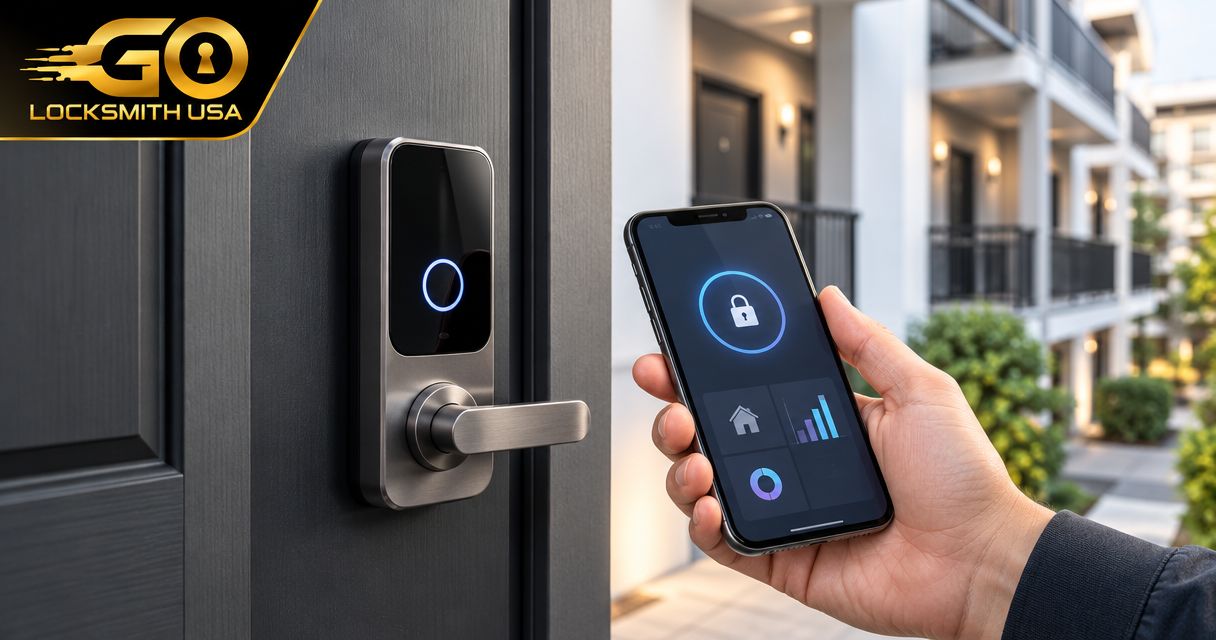
Schlage Control is designed for multifamily electronic access rather than simply adding an app to a household deadbolt. Its credential-based approach makes it the strongest starting point here when a property needs centrally administered apartment access.
Treat Schlage Control as part of an access system. Confirm the exact lock, credential types, management platform, and required supporting equipment before specifying it for a building.
Schlage Control pros:
- Designed around multifamily access needs.
- Supports electronic credentials rather than relying on resident-created keypad codes.
- Fits a procurement process focused on property-controlled access administration.
Schlage Control cons:
- The management arrangement requires more evaluation than a standalone residential lock.
- Staff need a documented credential and lockout procedure; installing the hardware does not create that procedure.
Best for: Apartment operators choosing a property-controlled credential system for unit doors.
Ask the supplier to demonstrate a complete move-out workflow. The demonstration should show credential revocation, replacement resident access, staff permissions, and what happens when a lock cannot communicate with the management system.
Do not assume that buying Schlage Control establishes compatibility with your existing property software. Require confirmation for the specific configuration.
Verdict: Buy for a verified multifamily access deployment; hold until the platform and recovery process are confirmed.
2. Schlage Encode: best for small, independently managed properties
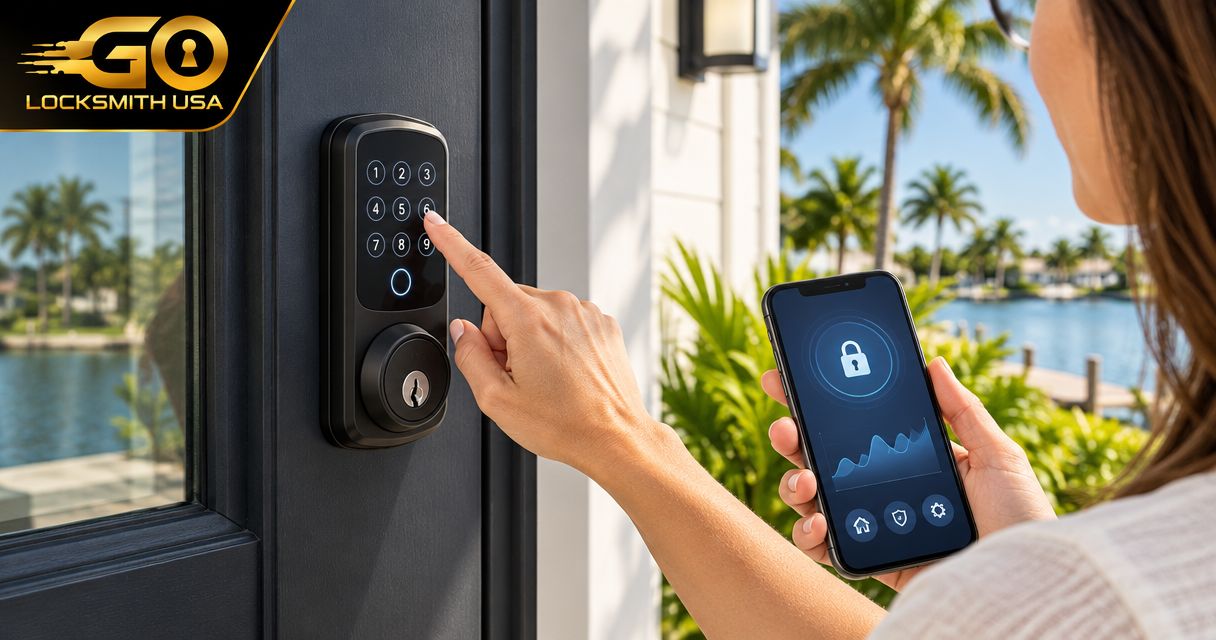
Schlage Encode is a residential smart deadbolt with built-in Wi-Fi, keypad access, and a physical key cylinder. It suits buyers who want connected control of individual doors without beginning with a dedicated multifamily credential platform.
The important distinction is management scale. Being able to operate a lock remotely is not the same as having the permissions, reporting, and turnover workflow your property requires.
Schlage Encode pros:
- Keypad entry gives residents an alternative to phone-based entry.
- Built-in Wi-Fi supports connected management without a separate Wi-Fi bridge.
- A physical key cylinder provides a mechanical entry option.
Schlage Encode cons:
- Separate resident and property responsibilities need careful account planning.
- Physical keys still require control and a move-out policy.
Best for: Owners managing a small property where individual-door administration is acceptable.
Before purchasing Schlage Encode, decide who owns the administrator account and who can create or remove access. Also decide whether residents can connect the lock to their own services without disrupting property control.
A retained key cylinder is useful only when the right people can locate the right key. Labeling, custody, and access records remain part of the job.
Verdict: Buy when individual-door management meets your requirements; skip when centralized administration is mandatory and unverified.
3. Yale Assure Lock 2: best for choosing keypad configurations
Yale Assure Lock 2 is a residential smart-deadbolt family with different keypad, cylinder, and connectivity configurations. It deserves consideration when you want to choose how residents enter rather than accept a single hardware arrangement.
The family name alone is not a specification. Identify the exact version before comparing connectivity, mechanical backup, or management features.
Yale Assure Lock 2 pros:
- Keypad entry provides an alternative to using a phone at the door.
- Configuration choices let you evaluate keyed and key-free approaches.
- Different connectivity options allow a more deliberate hardware selection.
Yale Assure Lock 2 cons:
- Features differ between versions, so purchasing by family name creates avoidable ambiguity.
- A key-free configuration needs a recovery plan that does not assume a physical key cylinder.
Best for: Properties standardizing a specific keypad configuration after checking resident needs and backup entry.
Write the exact model and configuration into the purchase specification. Include the credential method, connectivity requirements, and recovery method so replacement units do not introduce a different operating process.
Choose Yale Assure Lock 2 only after confirming who administers the selected configuration. Resident convenience matters, but it must not leave the property without a documented move-out process.
Verdict: Buy the verified configuration; hold any order described only as Yale Assure Lock 2.
4. August Wi-Fi Smart Lock: best for retaining exterior hardware
August Wi-Fi Smart Lock mounts on the interior side of a compatible existing deadbolt. The exterior hardware and existing physical key remain in use, making it a distinct option when replacing the outside lock is undesirable.
Compatibility is the first check, not the final installation detail. A retrofit device does not correct a worn cylinder, damaged bolt, or door that already binds.
August Wi-Fi Smart Lock pros:
- Retains the existing exterior lock appearance.
- Preserves the existing physical key as an entry method.
- Adds connected operation to a compatible existing deadbolt.
August Wi-Fi Smart Lock cons:
- Suitability depends on the existing deadbolt and door condition.
- Keeping the cylinder also keeps the need to manage existing physical keys.
Best for: Approved retrofit projects where compatible exterior hardware should remain in place.
Inspect the existing lock before selecting August Wi-Fi Smart Lock. If the door needs force to close or the key is difficult to turn, address that problem before adding electronic operation.
For leased units, obtain the property’s permission before modifying hardware. Retaining the exterior cylinder does not remove the need for approval or account-ownership rules.
Verdict: Buy for an approved, compatible retrofit; skip when the existing lock needs replacement.
Check the door before you order
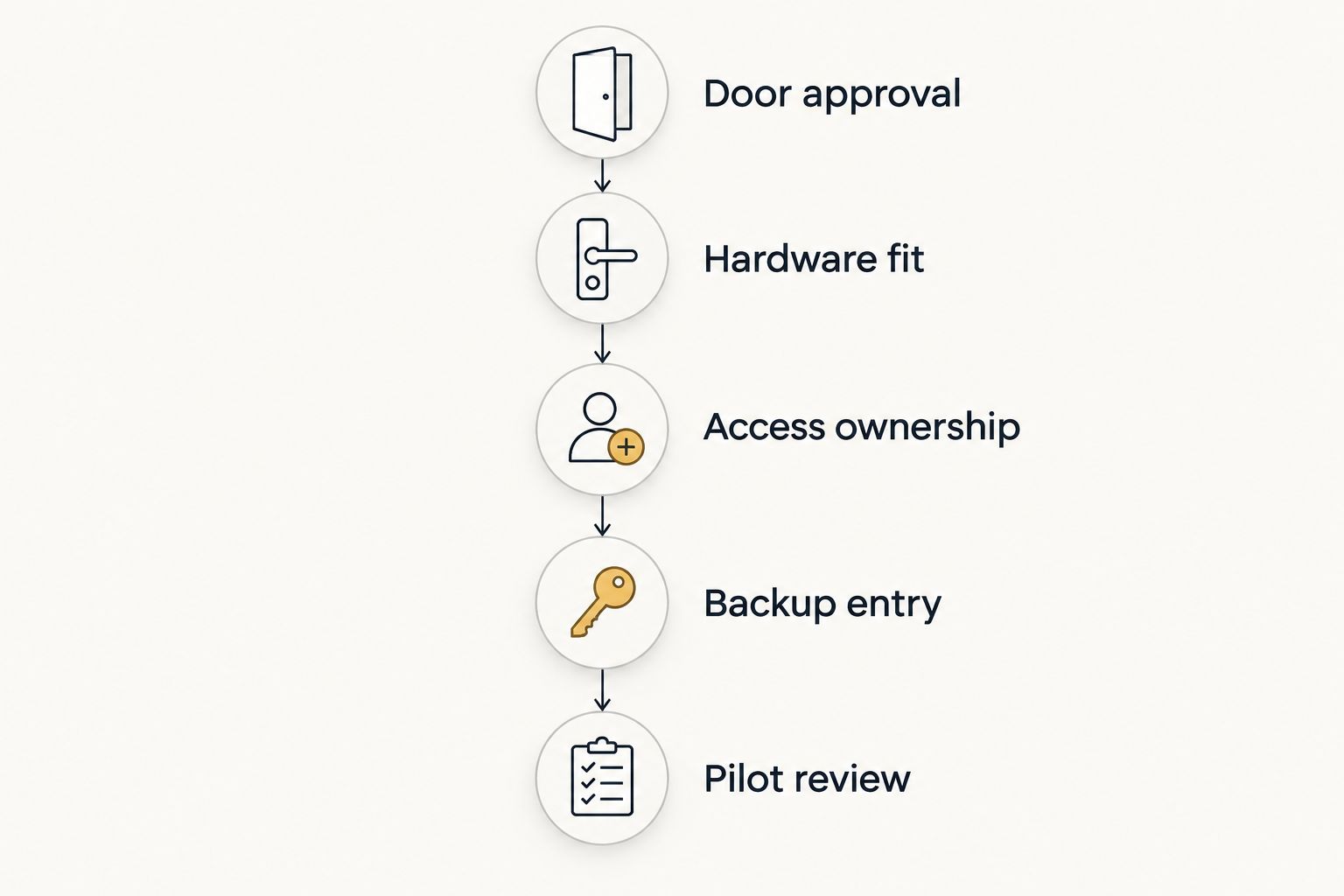
Product selection comes after the physical and administrative checks. Use this sequence to avoid purchasing a lock that creates a new access problem.
- Door approval: Identify whether the unit entrance belongs to a fire-rated assembly or has other hardware restrictions. Confirm the proposed change with the responsible building professional or authority.
- Hardware fit: Record the existing lock type, door preparation, thickness, handing, and alignment. Check these against the selected manufacturer’s instructions.
- Access ownership: Name the account owner and identify who can grant or remove resident and staff access.
- Backup entry: Document what residents and staff should do when normal entry fails.
- Pilot review: Evaluate a representative approved door before standardizing the purchase.
These checks are not an installation tutorial. They establish whether the proposed hardware and operating process belong on your unit doors.
Make turnover and failure recovery part of the specification
A successful move-in is only part of apartment access management. Ask the supplier to demonstrate what happens at move-out, during maintenance access, and when a resident cannot use the usual credential.
Use a written checklist:
- Remove the departing resident’s electronic access.
- Review any physical keys that remain valid.
- Remove temporary maintenance permissions when the work ends.
- Check who retains administrator access.
- Confirm how replacement credentials reach the next resident.
- Record the approved lockout and battery-failure procedure.
If software integration is a requirement, review connecting a smart lock to property management software before committing to hardware. Compatibility must cover the exact lock and platform, not just matching brand names.
Keep network failure separate from battery failure in the specification. Ask what the selected lock can do locally, what requires a connection, and how staff confirm that a revoked credential no longer works.
How the shortlist is ranked
This shortlist ranks options by their distinct management use cases, not by a claimed installation test or an unverified security score. Schlage Control addresses multifamily credential management; Schlage Encode addresses individual connected deadbolts; Yale Assure Lock 2 addresses configuration choice; August Wi-Fi Smart Lock addresses interior retrofit needs.
For a 2026 purchase, use the manufacturers’ current product documentation and installation instructions to verify the exact hardware. Door fit, access ownership, and recovery procedures take priority over voice-assistant compatibility.
Which apartment smart lock should you choose?
Start with Schlage Control when the property needs centrally managed unit-door credentials. Choose Schlage Encode when individual-door management is sufficient, Yale Assure Lock 2 when a specific keypad configuration fits the plan, or August Wi-Fi Smart Lock when an approved retrofit must retain compatible exterior hardware.
Do not put GO Locksmith on the hardware shortlist: it is a mobile locksmith service, not a smart-lock manufacturer. GO Locksmith is a mobile locksmith option for apartment door lock repair, replacement, and rekeying in Fort Myers.
FAQ
What's the best smart lock for apartment complex unit doors?
Schlage Control is the starting point in this shortlist for centrally managed multifamily credential access. Confirm the exact management platform, door compatibility, and recovery procedure before choosing it.
Is Schlage Encode suitable for an apartment building?
Schlage Encode suits individual unit-door management when its account and access features meet the property's requirements. Do not assume that residential app control provides the same administration as a multifamily access platform.
Can residents install their own smart locks?
Residents should obtain the property owner's or manager's approval before changing unit-door hardware. Approval also needs to address access ownership, emergency entry, and any restrictions on the door assembly.
Can I keep the existing apartment door key?
August Wi-Fi Smart Lock retains the existing key when installed on a compatible deadbolt. Keeping that key also preserves the need to control copies and address physical-key access at move-out.
Are all Yale Assure Lock 2 versions the same?
No. Yale Assure Lock 2 configurations differ in keypad, cylinder, and connectivity features. Specify the exact version rather than relying on the product-family name.
What happens when an apartment smart lock loses power or internet?
The answer depends on the exact lock and configuration. Verify local entry, battery-failure recovery, and connected-management limitations separately, then give residents a written procedure.
Can a smart lock replace hardware on a fire-rated apartment door?
Only use replacement hardware that is permitted for the specific door assembly and applicable requirements. Confirm suitability with the responsible building professional or authority before changing the lock.
Does GO Locksmith provide service around Fort Myers?
GO Locksmith is a mobile locksmith service serving Fort Myers, Cape Coral, Lehigh Acres, Estero, Bonita Springs, and Naples, and it also operates in Jacksonville. Call (239) 412-1101 to discuss the lock problem and check current availability.
One last thing
Retaining a physical key does not mean retaining control of every copy. At turnover, removing a resident’s app access or keypad code does not invalidate a key that still operates the cylinder.
Make electronic access changes and physical-key decisions part of the same move-out checklist. For a unit-door repair, replacement, or rekey, call GO Locksmith at (239) 412-1101 to discuss the job and check availability. Hours are Sunday–Thursday 7:00 AM–11:00 PM and Friday 7:00 AM–5:00 PM; Saturday is closed.