Smart-lock battery life is a model-specific operating question, not a reliable universal ranking. Compare the manufacturer's stated battery information, the lock's connection method, how freely the door closes, the expected use, and how you will respond to a low-battery alert.
- Compare the exact smart-lock model's battery guidance, not a generic ranking.
- Wi-Fi features, usage, and a binding door can affect battery demand.
- Use the battery type specified by the manufacturer.
- Keep a tested backup-entry plan before a low-battery warning becomes a lockout.
Why battery comparisons are incomplete
Two locks can have different radios, batteries, bolt motors, alerts, and usage patterns. A published battery figure from one brand is not a prediction for another lock or another door.
Guesty notes that battery health is a useful managed-lock signal, but the appropriate action remains property-specific: someone needs to respond to an alert before the entrance becomes unreliable.
Compare the factors that actually matter
| Factor | Why it matters |
|---|---|
| Exact lock model | The manufacturer defines approved batteries and alerts |
| Connection method | Some connected features use more power than local-only use |
| Door alignment | A bolt that meets resistance can make operation less dependable |
| Access frequency | More locking cycles can change consumption |
| Backup entry | A physical key or documented alternative prevents avoidable lockout risk |
Check the door before blaming batteries
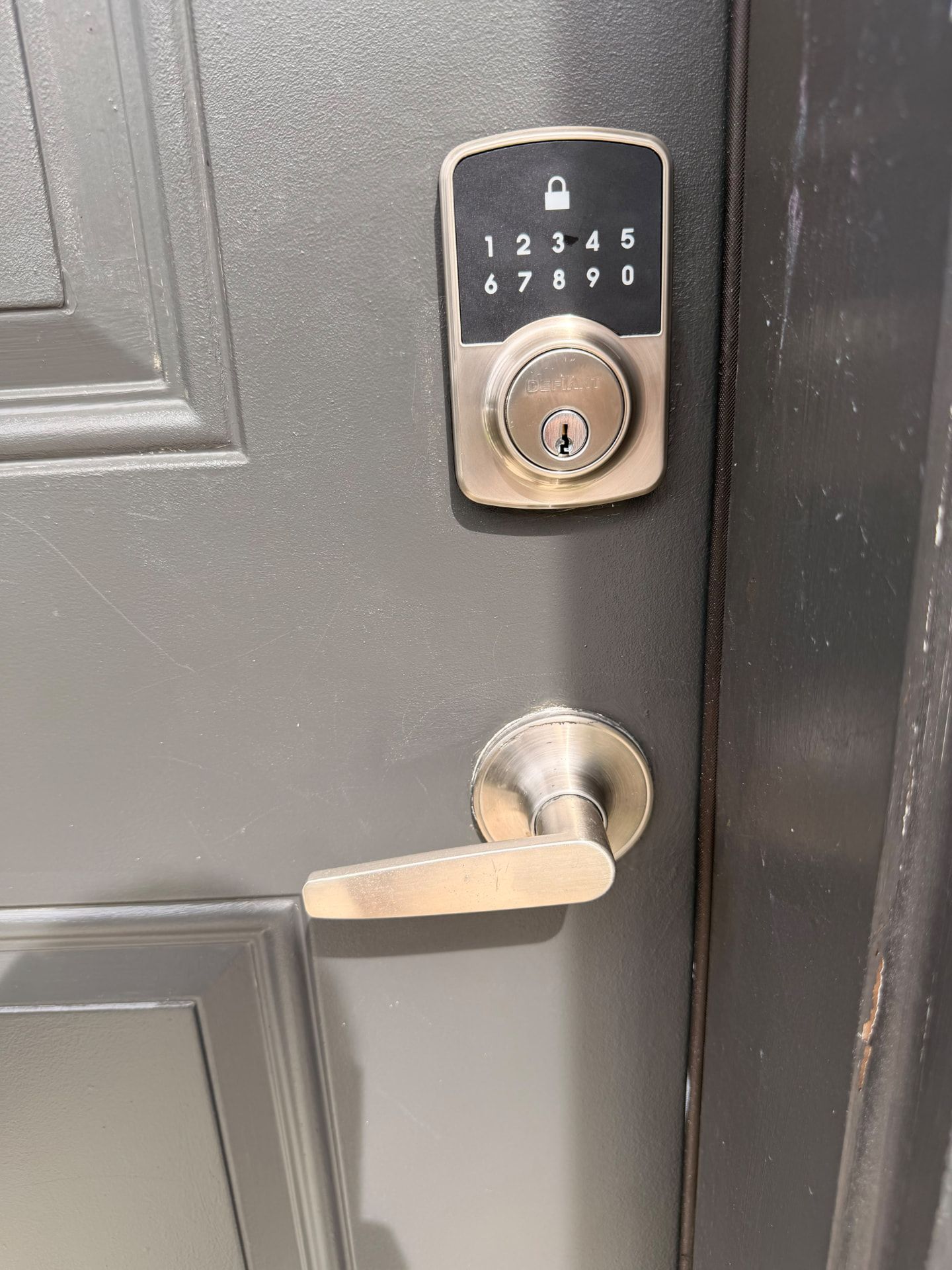
A powered deadbolt should extend and retract freely. If the lock only works when the door is pushed, pulled, or lifted, check the door and strike alignment. Replacing batteries might restore operation briefly without addressing the resistance.
Test mechanical operation with the door open and then closed. Do not force a motorized lock through a binding bolt.
Build a maintenance routine
Follow the installed model's instructions for battery type, replacement, and warning behavior. Keep the correct batteries ready, record the lock model, and make sure the authorized users know where the backup key or alternate entry method is kept.
For rentals or managed properties, associate each lock with its property record and designate who receives alerts. The Florida smart-lock guide covers broader door-fit and backup-entry questions.
FAQ
Which smart lock has the best battery life?
There is no useful universal answer without the exact model and use case. Compare the manufacturer's documentation and your door conditions.
Can a binding door drain a smart lock battery?
A bolt that meets resistance can make motorized operation less dependable. Have the door and strike alignment assessed.
Should I use any replacement batteries that fit?
No. Use the type specified by the lock manufacturer.
What should I do when a smart lock reports low battery?
Follow the model's instructions, replace the batteries promptly, and verify backup entry while the door is open.
Can GO Locksmith repair a door that binds with a smart lock?
GO Locksmith offers lock repair and replacement. Call with the lock model and symptoms to check the supported work.
Keep the entrance dependable
For lock repair, replacement, or a fresh installation discussion, call GO Locksmith at (239) 412-1101. Confirm current availability and the exact hardware before service.