Compare smart locks by the cost of a compatible, usable setup—not by the device's advertised price alone. Hardware, installation requirements, optional accessories, recurring services, and ongoing maintenance can change what you need to budget for. Request current product terms from the seller and a job-specific installation estimate rather than relying on a fixed cheap-to-expensive ranking.
- Smart-lock cost comparisons should cover the complete setup, not just the device.
- A retrofit is not automatically cheaper if accessories or repairs are needed.
- Check optional subscriptions and hubs in the selected model's current terms.
- GO Locksmith installation pricing requires an estimate for the specific door and job.
Why a price-only ranking can mislead
A comparison between a keypad device and a connected setup may leave out the features that make the connected device usable for your task. Equally, paying for remote administration makes little sense if you only need local code entry.
The Florida smart-lock guide explains hardware categories and backup-entry choices. Use those choices to define the job before collecting current prices. A product is not a bargain if it cannot fit your entrance or provide the access method you need.
No lock category has a universal position in a price ranking. Models, sellers, bundles, and door conditions vary. Compare like-for-like configurations and keep product costs separate from the locksmith's estimate.
Make a whole-setup checklist
| Cost category | What to confirm | When it matters |
|---|---|---|
| Device | Exact model and included components | Every purchase |
| Accessories | Required or optional keypad, hub, or other compatible component | When the desired feature is not included |
| Fitting | Whether existing preparation suits the hardware | Replacement or fresh installation |
| Door correction | Whether an existing mechanical fault needs separate work | A bolt that binds or a poorly closing entrance |
| Recurring services | Subscription requirements for the functions you intend to use | Only where the product's terms specify them |
| Upkeep | Approved batteries and a maintenance plan | During ongoing use |
This is a scope checklist, not a statement that every product has each charge. Ask what applies to the exact configuration under consideration.
Compare three purchase decisions, not three price labels
Keeping suitable exterior hardware
Best for: an owner who has a supported existing deadbolt and a reason to retain it. A compatible retrofit can preserve the outside components, but the current mechanism must operate properly.
Its advantage is retaining appropriate hardware. Its limitation is exact compatibility: the interior space, deadbolt design, and required accessories must be checked. Do not call it the budget route before comparing the complete setup and required work.
Replacing the deadbolt for local entry
Best for: someone whose main requirement is supported code entry at the door. A compatible keypad replacement can focus the purchase on that entry method rather than remote management.
The advantage is matching the feature set to a local task. The limitation is that keypad products differ in permissions, backup methods, and connectivity; the word keypad does not establish all those features. Check the selected model rather than treating a category name as a specification.
Buying for a genuine remote-management need
Best for: an authorized owner or manager who needs supported access changes away from the property. A connected model can provide that function when its network and account requirements are met.
The advantage is remote administration. The limitation is dependency on the complete configuration and connection. Confirm which functions remain usable locally when internet is unavailable and which accessories, if any, are required.
Get the door assessed before buying twice
A product listing cannot diagnose your entrance. A powered bolt that meets resistance at the frame needs a door-fit assessment; buying a different connected lock does not automatically remove that resistance.
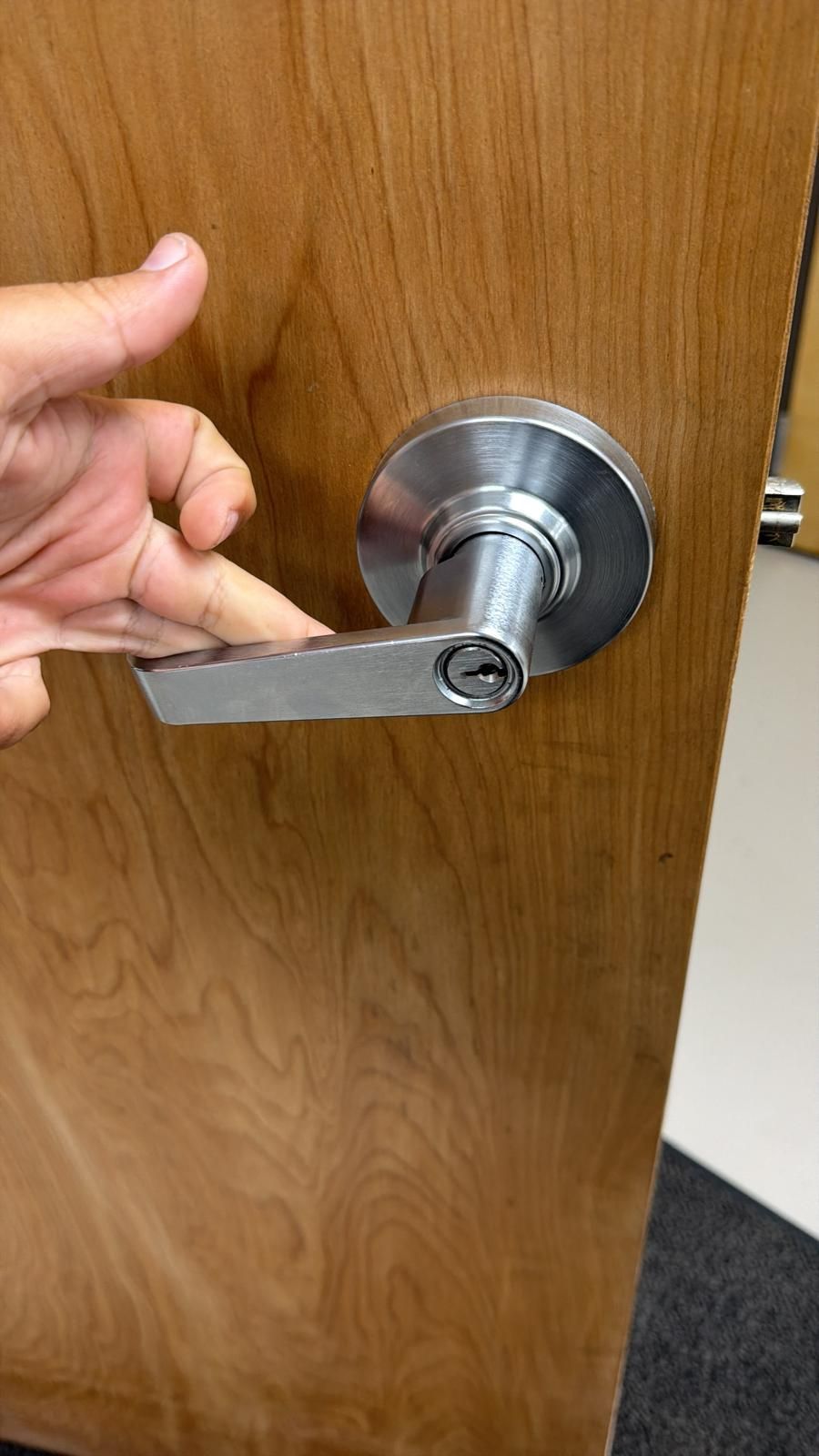
Record whether the existing lock turns freely with the door closed, the visible hardware markings, and any door-assembly requirements. Compare the manufacturer's instructions with the actual entrance before ordering.
GO Locksmith offers lock repair, replacement, rekeying, and fresh installation. Call to confirm the proposed hardware and job; no universal smart-device integration or compatibility claim is made here.
Compare proposals on equal terms
Choose the functions first, then request current product terms and installation scope for those functions. List what you would need to add to each proposal to reach the same result.
For example, if keypad entry is required, verify whether it is included or needs a separate component. If a physical backup key is required, confirm the selected setup retains a usable keyway. These are checks, not guarantees about unnamed products.
Ask:
- Is this the same finished access method in every proposal?
- Which parts are included, optional, or still needed?
- Is fitting included or quoted separately?
- Is any door repair required before installation?
- Which ongoing services are necessary for my chosen functions?
- Who handles account setup and routine maintenance?
Keep any service agreement separate from manufacturer or seller terms. Do not assume a product warranty covers installation, or promise a GO Locksmith warranty that has not been confirmed.
FAQ
Which smart lock is cheapest?
A reliable comparison needs current terms for compatible models and the complete setup. A device-only price does not establish your finished cost.
Is a retrofit always the lower-cost option?
No universal cost ranking is justified. Compatibility, accessories, the existing lock's condition, and required fitting can change the comparison.
Do all smart locks require a subscription?
Do not assume that. Check the exact model's terms and whether the functions you need depend on an ongoing service.
Should I pay for Wi-Fi if I only need code entry?
Choose features for your actual task. Verify local entry and backup methods before deciding whether remote functions are useful.
Does a new smart lock fix a sticking door?
Not automatically. Have the mechanical cause assessed before relying on powered operation.
How much does GO Locksmith installation cost?
Pricing depends on the specific entrance, hardware, and work. Call GO Locksmith at (239) 412-1101 for an estimate.
Before committing to the hardware
Call GO Locksmith at (239) 412-1101 to discuss lock work and an estimate for the entrance. GO Locksmith provides mobile service in Fort Myers and Southwest Florida and also operates in Jacksonville.
For general estimate questions, see the Fort Myers locksmith cost guide. Check availability during Sunday–Thursday 7:00 AM–11:00 PM or Friday 7:00 AM–5:00 PM; Saturday closed.