Connect a supported smart lock through your listing's arrival settings, then authorize Airbnb to access the correct lock account. A lock that works in its own app is not automatically compatible with Airbnb; check the exact model, connection requirements, and listing eligibility before starting.
- Connect a smart lock to Airbnb only after checking the exact model's compatibility.
- Airbnb's published setup uses Arrival guide, Smart lock, Connect, and Continue.
- The primary Host or a full-access Co-Host should complete the connection.
- Test guest-code timing and backup entry before relying on automated check-in.
Before opening the Airbnb app
Airbnb's published smart-lock guidance describes native connections for compatible Schlage, Yale, and August locks at US and Canadian listings. It requires a supported Wi-Fi-connected setup; a Bluetooth-only lock does not qualify under that guidance. Recheck the compatibility information offered in your account because supported models and app screens can change.
If you are still selecting hardware, start with the Southwest Florida Airbnb lock guide. This article covers the next step: linking an already suitable lock to the right listing, not choosing a lock brand.
Have these ready:
- Access to the listing as primary Host or full-access Co-Host.
- Login details for the account that controls the lock.
- The exact lock model and a clear name for its property and door.
- A working installation that you can operate from the lock's own app.
- An authorized backup-entry method.
Do not connect an unidentified lock to a listing. If your account contains several properties, name each device clearly first. A successful login can still lead to selecting the wrong door.
Connect the listing to the correct door
Airbnb's Resource Center gives the following sequence. Use the labels shown in your current app if its layout has changed, and consult Airbnb support if the connection option is absent.
- Open the listing's Arrival guide.
- Set the check-in method to Smart lock.
- Select Connect and choose the supported lock provider.
- Tap Continue and sign in to the lock account.
- Review the requested information sharing and complete the connection.
Check the property and device names before confirming. The expected result is the intended door connected to that listing, with supported guest-code information available through Airbnb—not just a generic confirmation that the provider account has been authorized.
Keep the lock account under an appropriate owner's control. Giving a guest permission to enter should not require sharing the login that controls all your doors.
A check-in label is not a live integration
Setting the arrival method to Smart lock tells guests how entry works. It does not, on its own, prove that codes are being created automatically. Complete and verify the provider connection before removing your manual code-management process.
| Arrangement | Useful for | Responsibility left with you |
|---|---|---|
| Native supported Airbnb connection | Reservation-linked code management | Correct listing selection, maintenance, and backup entry |
| Manual keypad-code workflow | Hardware without a supported connection | Creating, communicating, and removing guest access |
| Separately documented third-party connection | A supported property-management workflow | Verifying that provider's compatibility, permissions, and behavior |
Do not infer that a third-party option works just because it appears in a product description. Confirm its instructions and support separately.
Verify what the guest will actually receive
Airbnb's guidance says connected locks provide guests with reservation-specific codes and entry instructions. Review the code and its active period in the reservation rather than assuming every reservation uses the timing you intended.
Check the following before a real arrival:
- The reservation points to the correct entrance.
- The guest instructions describe that lock's actual operating sequence.
- The active code period matches the agreed arrival and departure.
- Any approved timing change is reflected in access settings.
- The guest has a contact route if entry fails.
Do not create a fake booking to test the system. Use the platform's available preview and testing tools, and perform permitted physical checks while safe backup access remains available.
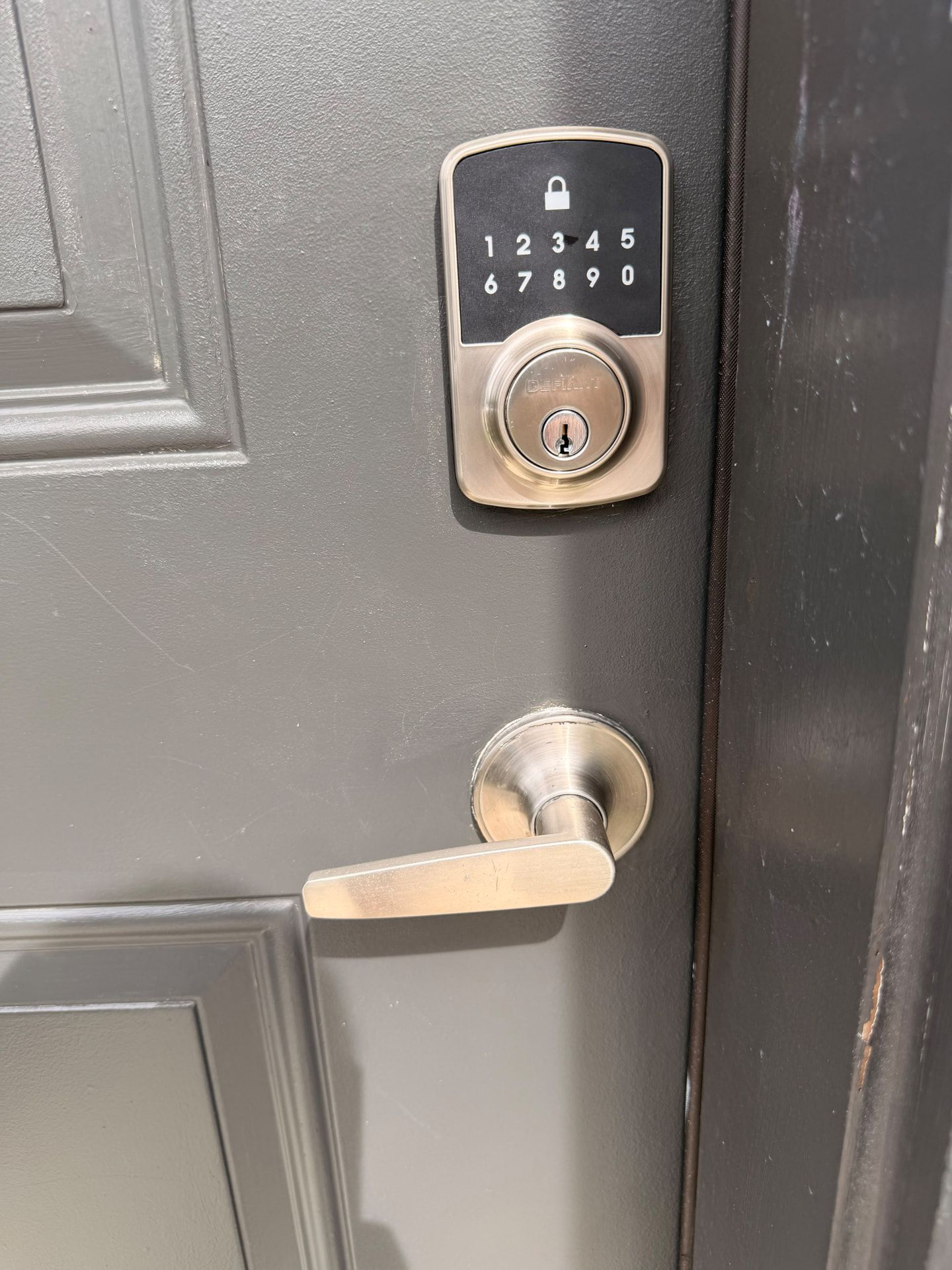
A host's remote unlock is not the same test as a guest entering a code at the door. Check both the instructions and the physical entrance: another keyed lock left engaged can prevent entry even when the connected lock works.
If the connection is missing or fails
The lock provider appears, but your lock does not
Confirm the model, required connection equipment, and account ownership. A lock shared with you for everyday entry may not give you the permissions required to authorize an integration. Do not reset it while occupied simply to make it appear.
The app says connected, but guest access is unclear
Review the listing, selected door, and reservation settings. Contact the platform or lock provider if you cannot establish where the code is stored or when it is active. Keep the documented manual fallback until the process is verified.
The lock goes offline
Follow the installed model's documented connection checks. Previously created codes and new code delivery can behave differently during an outage. Do not promise guests that every function works without internet; verify the specific system and Airbnb's current backup guidance.
Keep staff access separate
Cleaner and Co-Host access should follow their own permissions rather than reusing a departing guest's code. Document who removes temporary staff credentials and who is authorized to manage the lock account.
The Fort Myers rental-property guide addresses the broader handover and backup responsibilities. Successful integration does not replace battery checks or a person who can help at the property.
FAQ
Can any smart lock connect directly to Airbnb?
No. Native connection depends on the exact supported model, listing eligibility, connection equipment, and account permissions.
Can a Co-Host connect the lock?
Airbnb's published guidance allows a full-access Co-Host or the primary Host to complete the setup. Verify the permissions in the account used for the connection.
Is selecting Smart lock enough to automate codes?
No. Complete the supported provider connection and verify the intended door and reservation-code behavior.
Can I use a Bluetooth-only lock?
Airbnb's published native setup requires a supported Wi-Fi-connected arrangement. A Bluetooth-only device does not meet that guidance.
Should guests receive my lock-account login?
No. Give guests the intended entry credential and instructions, not an administrative account login.
Does GO Locksmith manage my Airbnb integration?
Airbnb account integration is not a confirmed GO Locksmith service. Contact the platform or device provider for account support and call GO Locksmith to discuss confirmed physical lock services.
When the door—not the app—is the problem
GO Locksmith provides mobile residential lock repair, replacement, rekeying, and fresh installation. If the entry hardware binds or does not operate properly, call (239) 412-1101 to discuss the door and check service availability in Fort Myers or Southwest Florida. Confirm the exact hardware before arranging work; this guide is not a promise of support for every smart lock or integration.
Hours are Sunday–Thursday 7:00 AM–11:00 PM and Friday 7:00 AM–5:00 PM; Saturday closed.